Excel-Friendly Skills Matrix Template
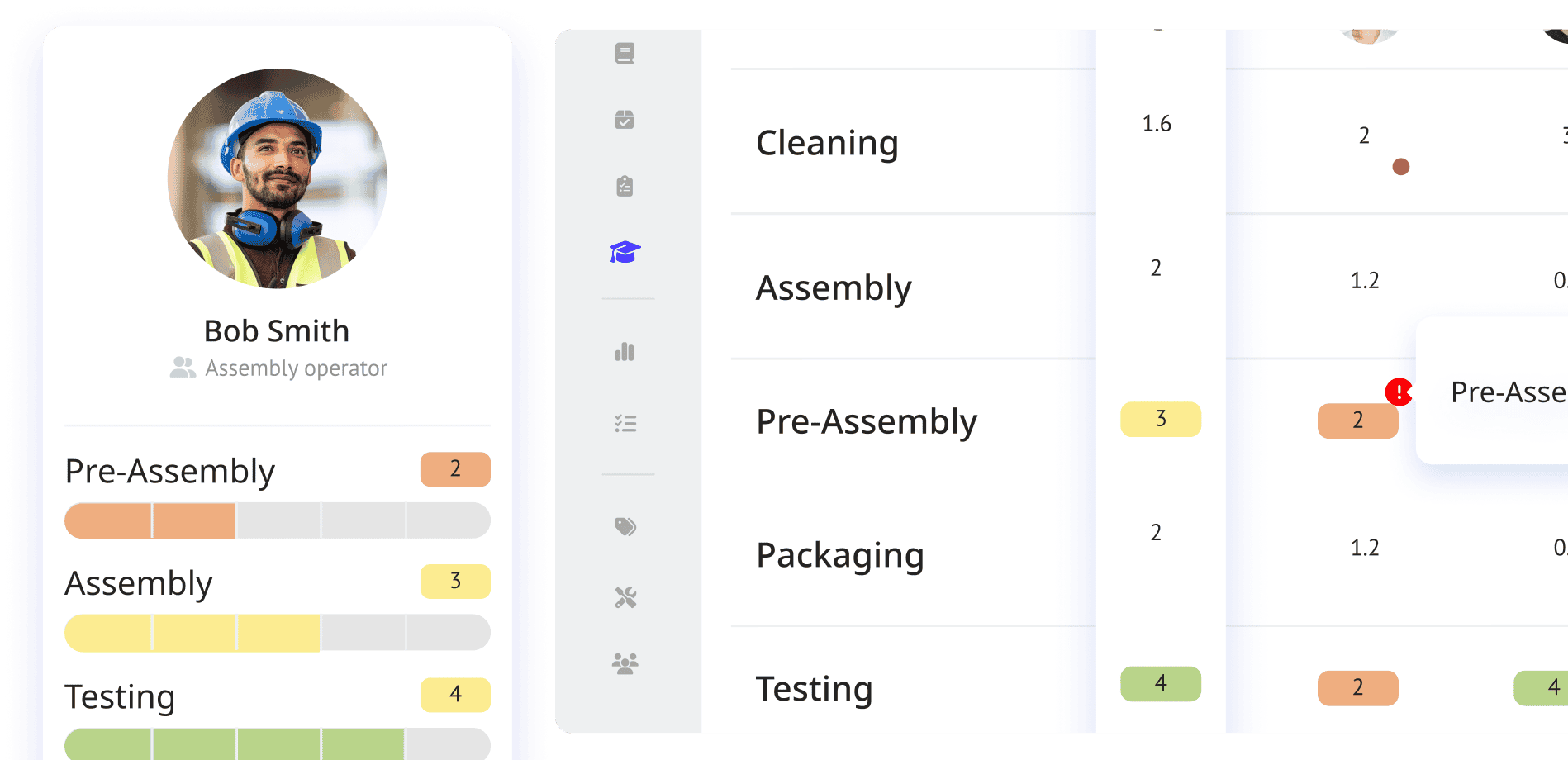
Download our free Excel-Friendly Skills Matrix Template to simplify complex skill tracking. Visualize your employees’ skills, conduct gap analyses, and plan training effortlessly. Edit it with Excel, Google Sheets, or other tools. Optimize team performance and make data-driven decisions with ease. Explore the power of skills matrices in our ultimate guide! Creating a well-designed skills matrix is a complex and time-consuming task. A good skills matrix must visualize and act as a tracking board of your employee’s skills and training progress. Thus, we have made a skills matrix template example that you can download for free. After downloading, you can edit it using Microsoft Excel, Google Sheets, or other spreadsheet tools. A skills matrix can be used for multiple uses within an organization, such as: Visually map your employees’ skill levels and training history Conducting a skills gap analysis Planning and keeping track of short and long-term employee training programs Distributing tasks within a team Arranging a weekly employee roster With a skills matrix, you will able to see your employees’ skill levels and keep track of their training progress with just a single glance – ensuring all of your decisions are data-driven.
Download for Free
What You'll Get

Continuous improvement
Make ongoing improvement of products possible. Use the kanban boards and locate bottlenecks and delays to make optimixation possible.

Root Cause Analysis
Manage the root causes of your process’s problems. Get access to all the data of products, issues can be quickly identified and resolved to minimize impact.

Facilitate Value stream Mapping
Get an overview of how products move through the manufacturing process. Gain insight into the supply chain and the value stream of their operations.
Trusted by Industry Leaders
The most valuable aspect about Azumuta is the simplicity with which you can integrate the different applications.


Previously, as an organization, we relied heavily on the discipline of the operators to fill in the necessary production reports. With Azumuta, we can send the necessary reminders to the operators if necessary. Moreover, we can monitor in real time whether they have actually filled in the production reports at the scheduled time.


With Azumuta, we can have quality checks during assembly, ensuring there’s real-time quality control. For traceability, the product order information is stored digitally, so we can quickly address customer complaints and efficiently resolve them. This two-layer system allows us to maintain our high-quality standards and provide exceptional customer service.

Join The Digital Shop Floor Revolution!