
Audits & Digital Checklists
Manage safety, maintenance, compliance, and quality audits with Azumuta. Plan your audits and create audit checklists for 5S inspections, ISO compliance, preventive maintenance, and more. Have real-time insights into the state of your shop floor and pull automated reports to share your findings.
↓ 80%
Onboarding Time
↓ 62%
Quality Complaints
↓ 99%
Less Papers
Trusted by Leading Companies Like











Featured video
Preparing for an Audit? Here's how Azumuta helps you out!
On this video, we’ll walk you through the entire process to make sure you are compliant. From creating your first audit to utilizing advanced features like scheduling, recurring audits, and audit search. Stay on top of your requirements with the help of Azumuta.


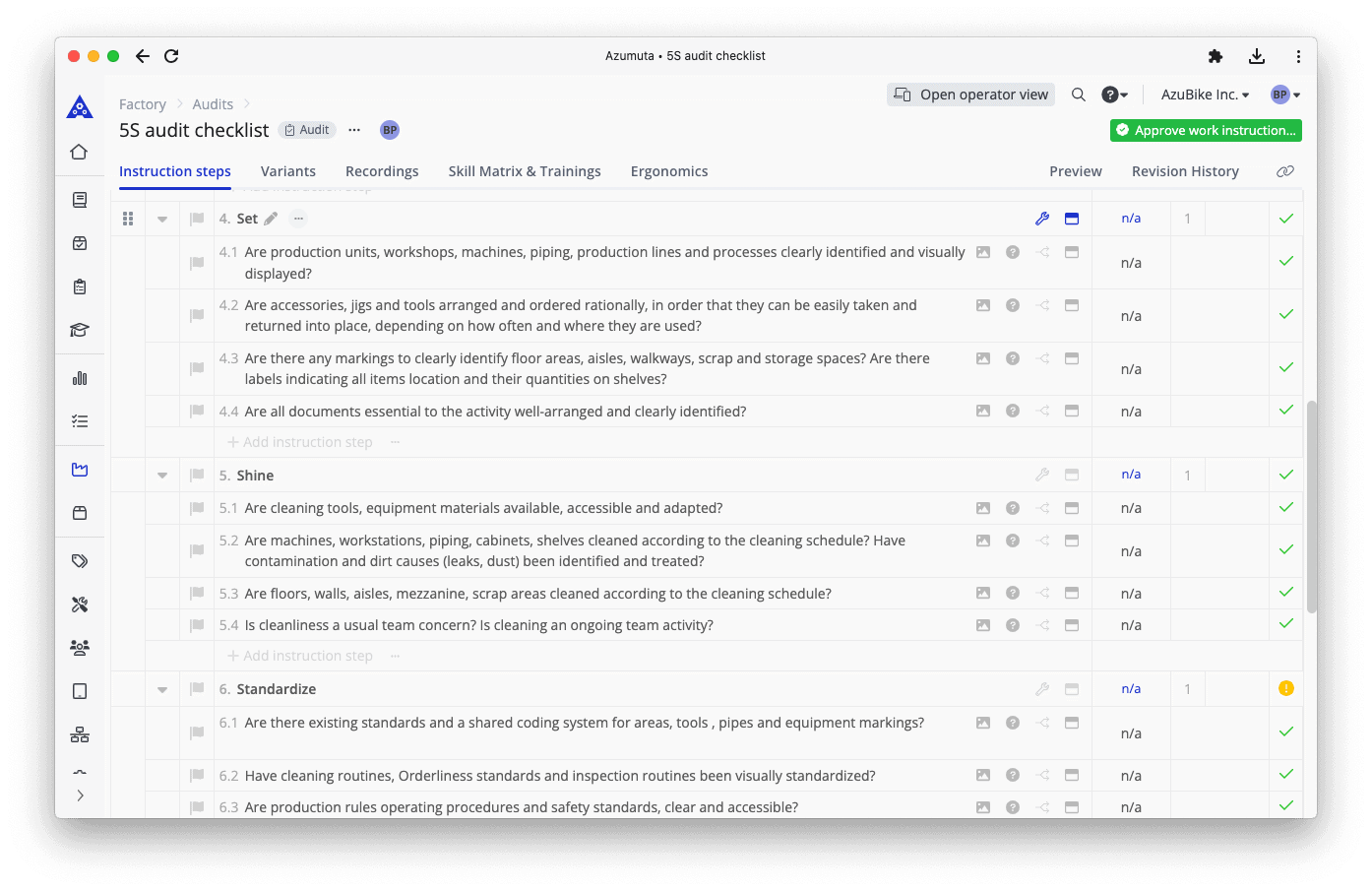
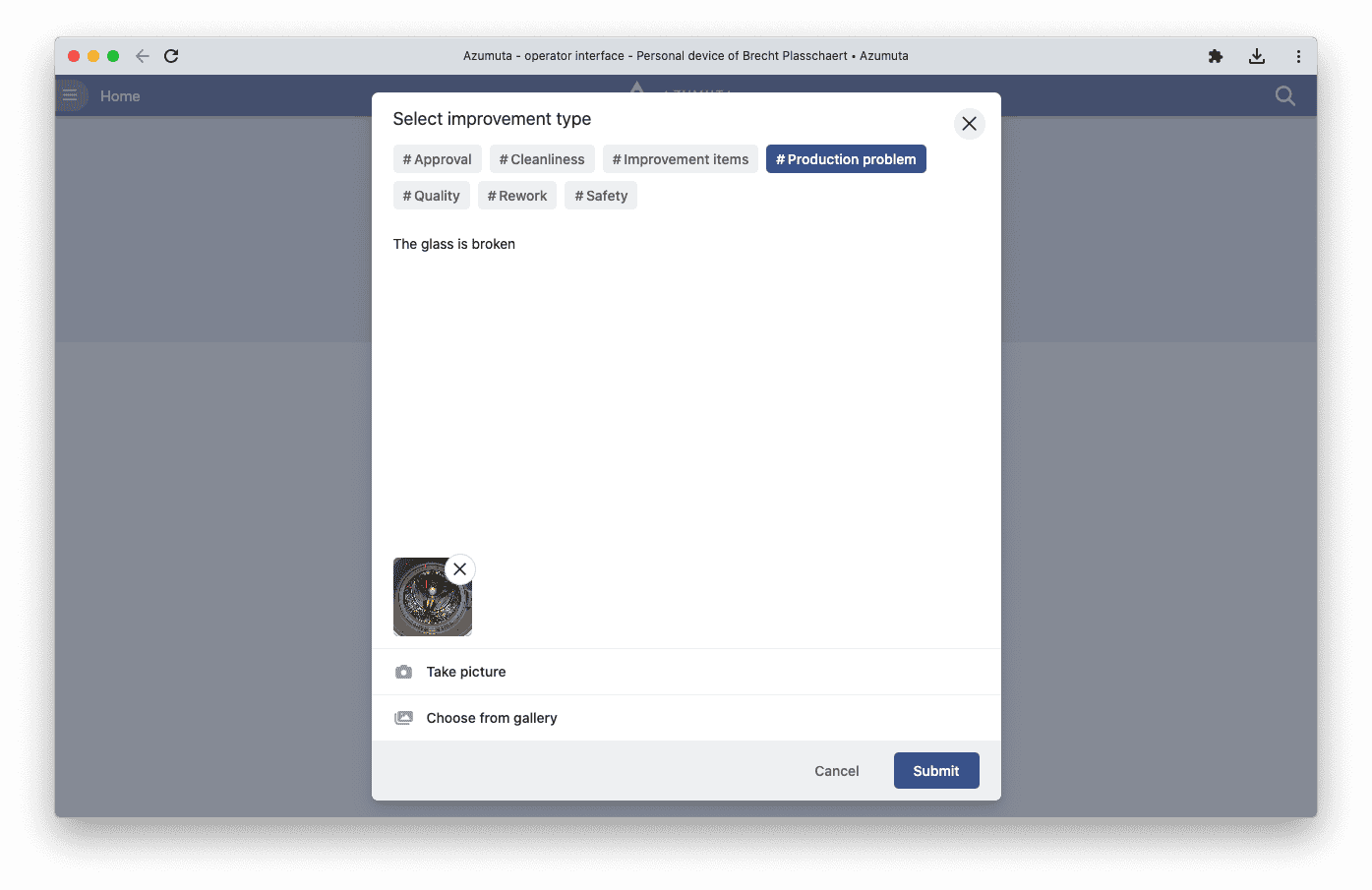
Create a Safety Audits Checklist
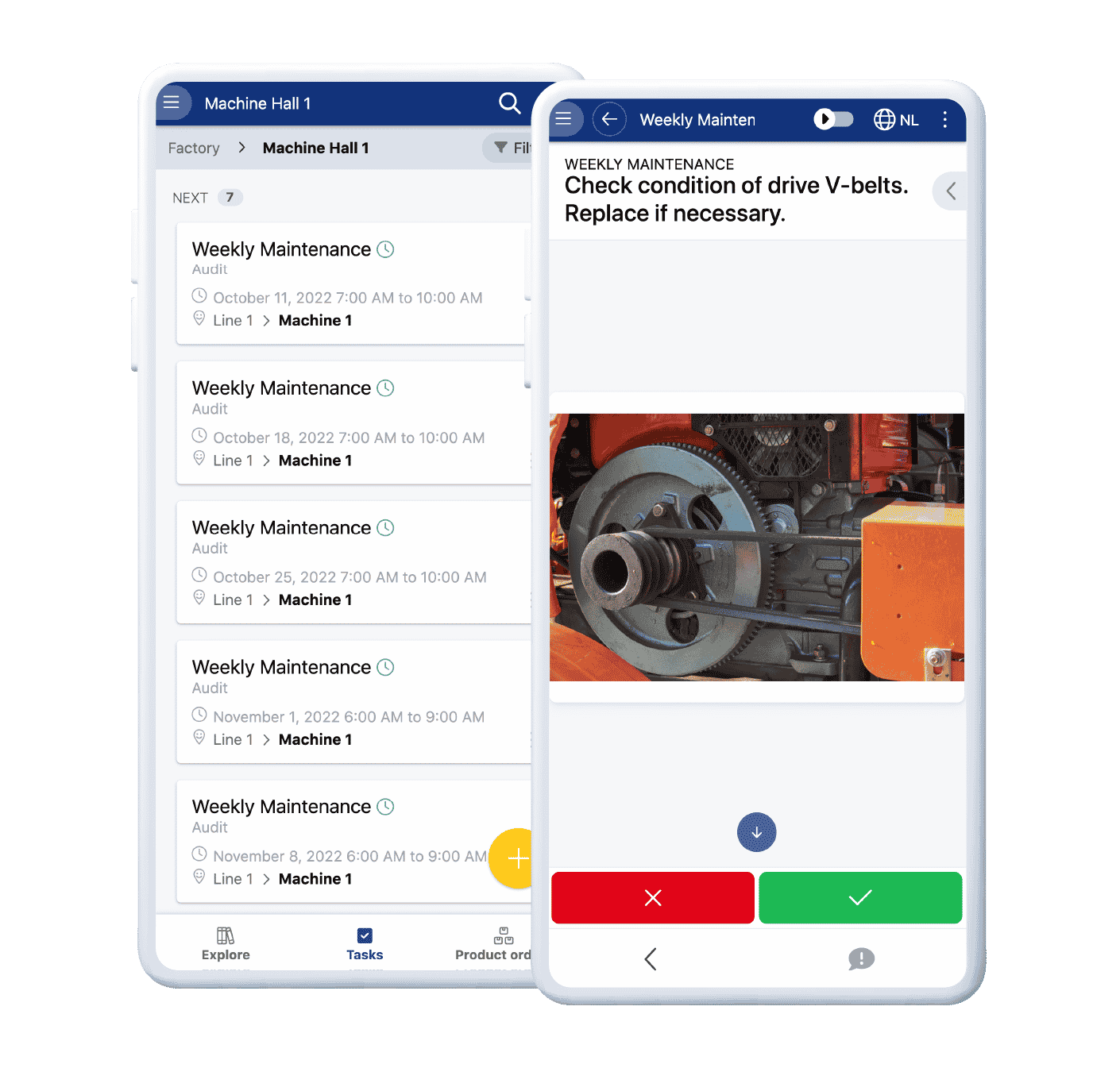
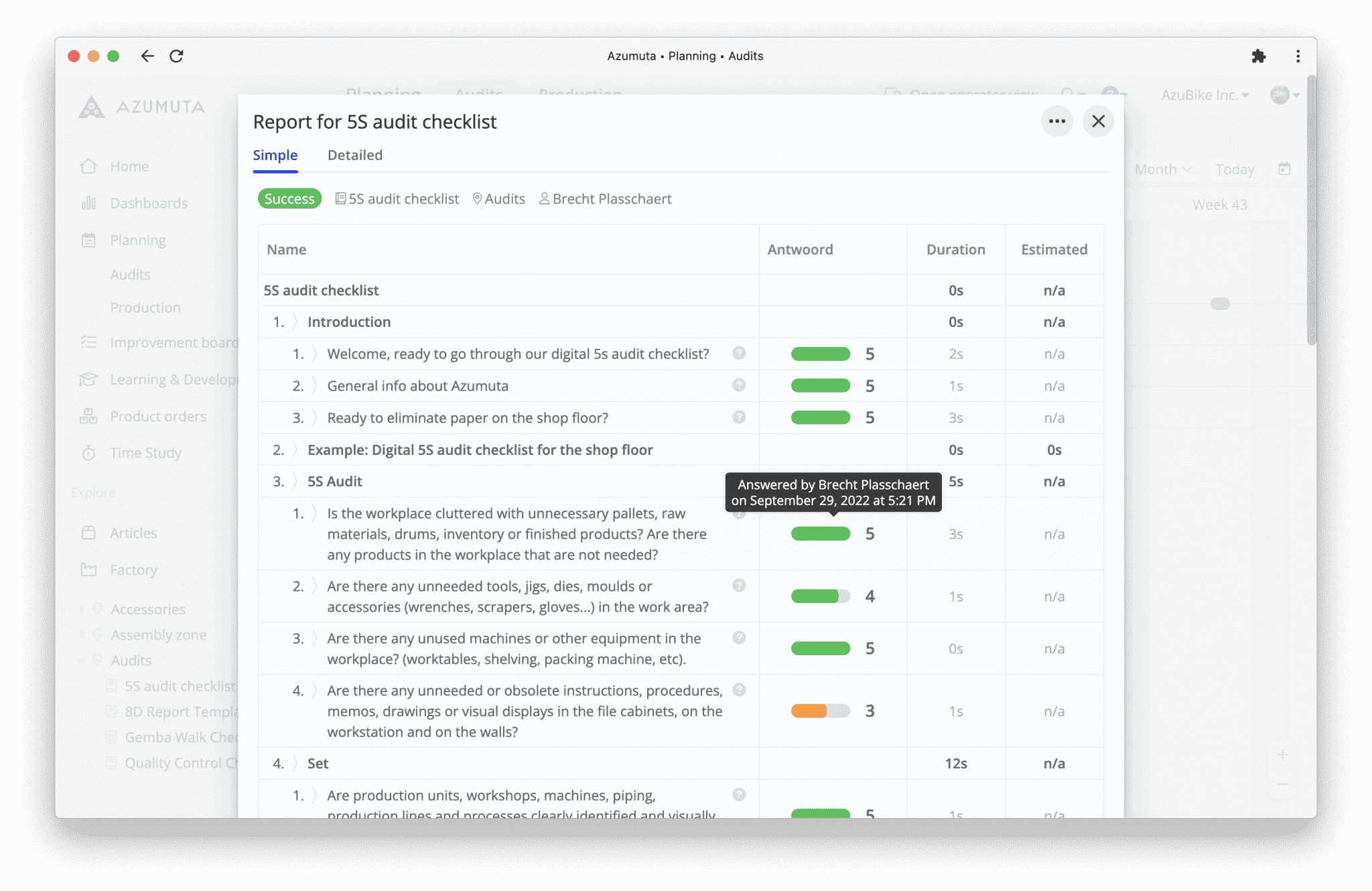
Manage your safety audits on the shop floor by creating digital checklists. Have all your audits available in one place: general safety audits, quality audits, 5S audits, and more.
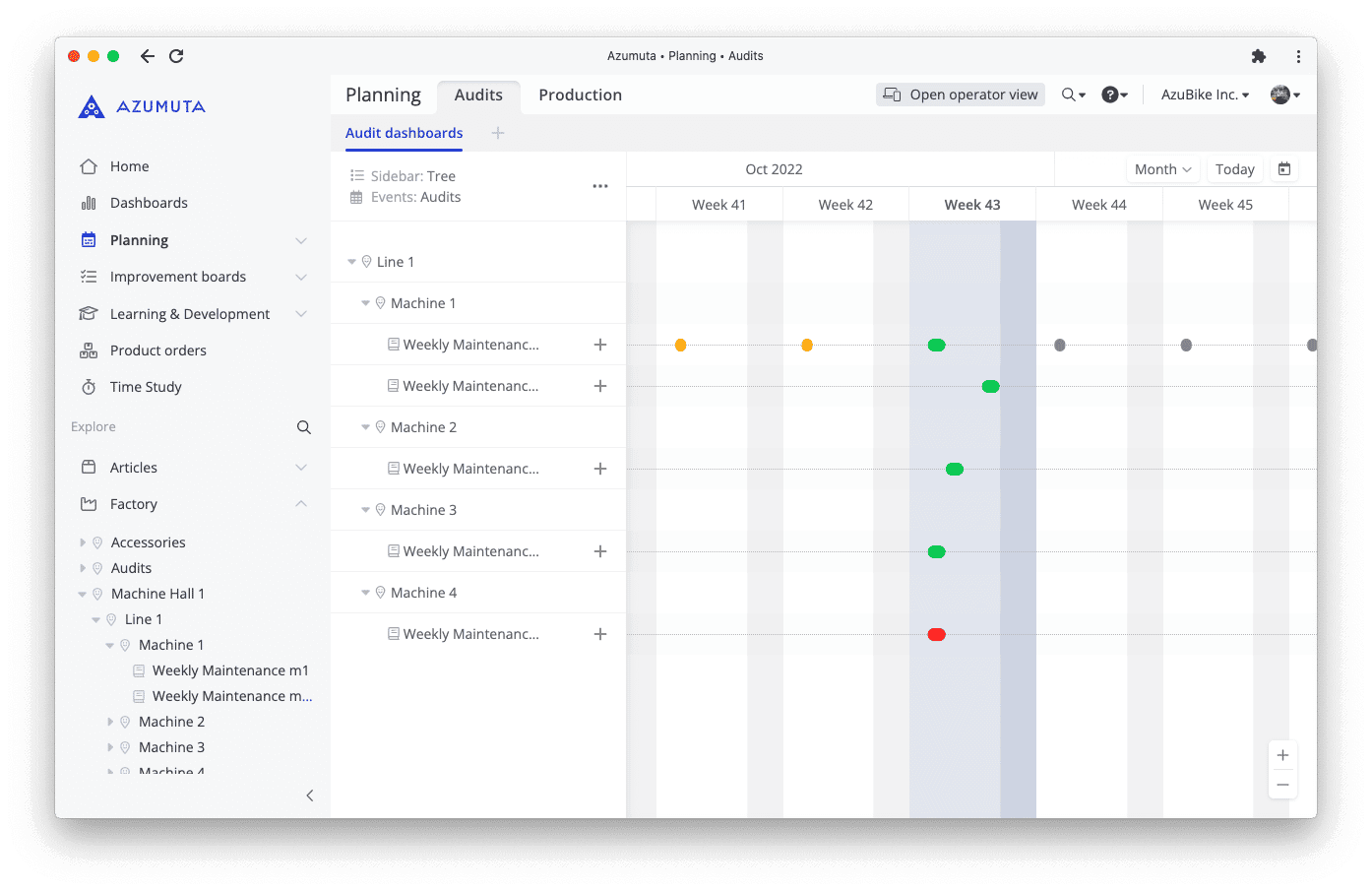
Create a Preventive Maintenance Checklist
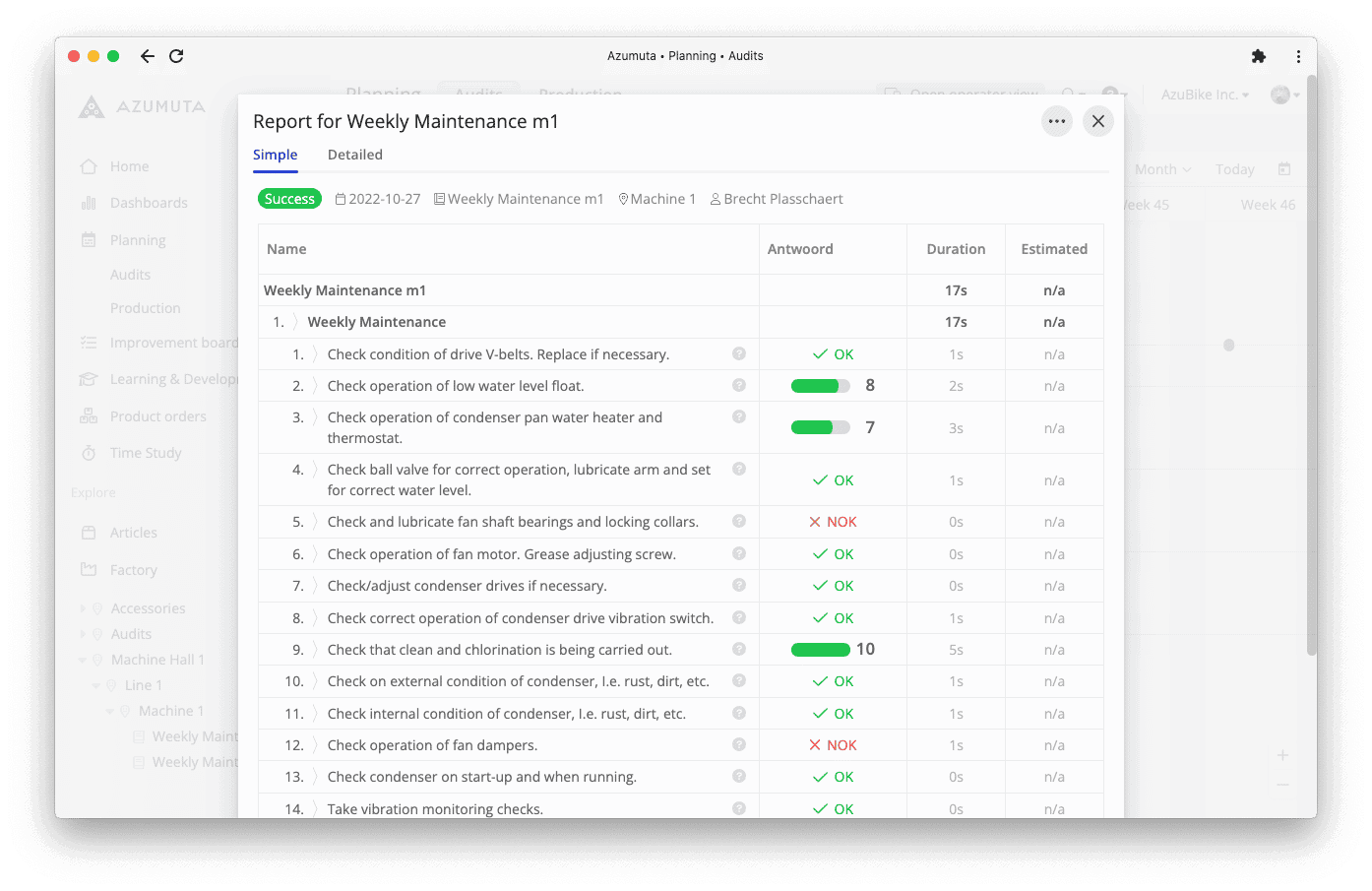
Take control of your maintenance processes with Azumuta’s digital checklists. Plan, monitor, report, and keep a record of your shop floor preventive maintenance actions.
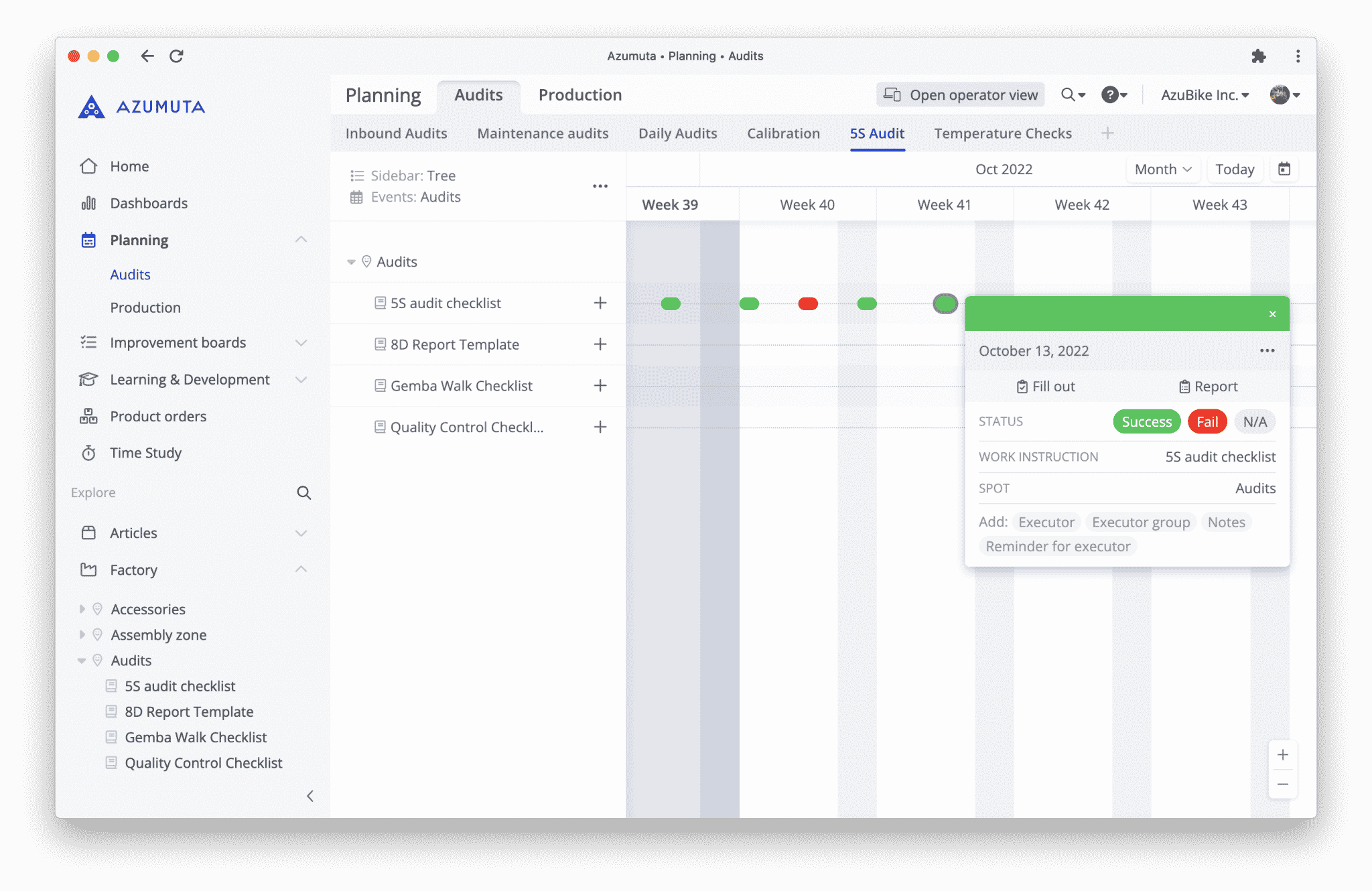
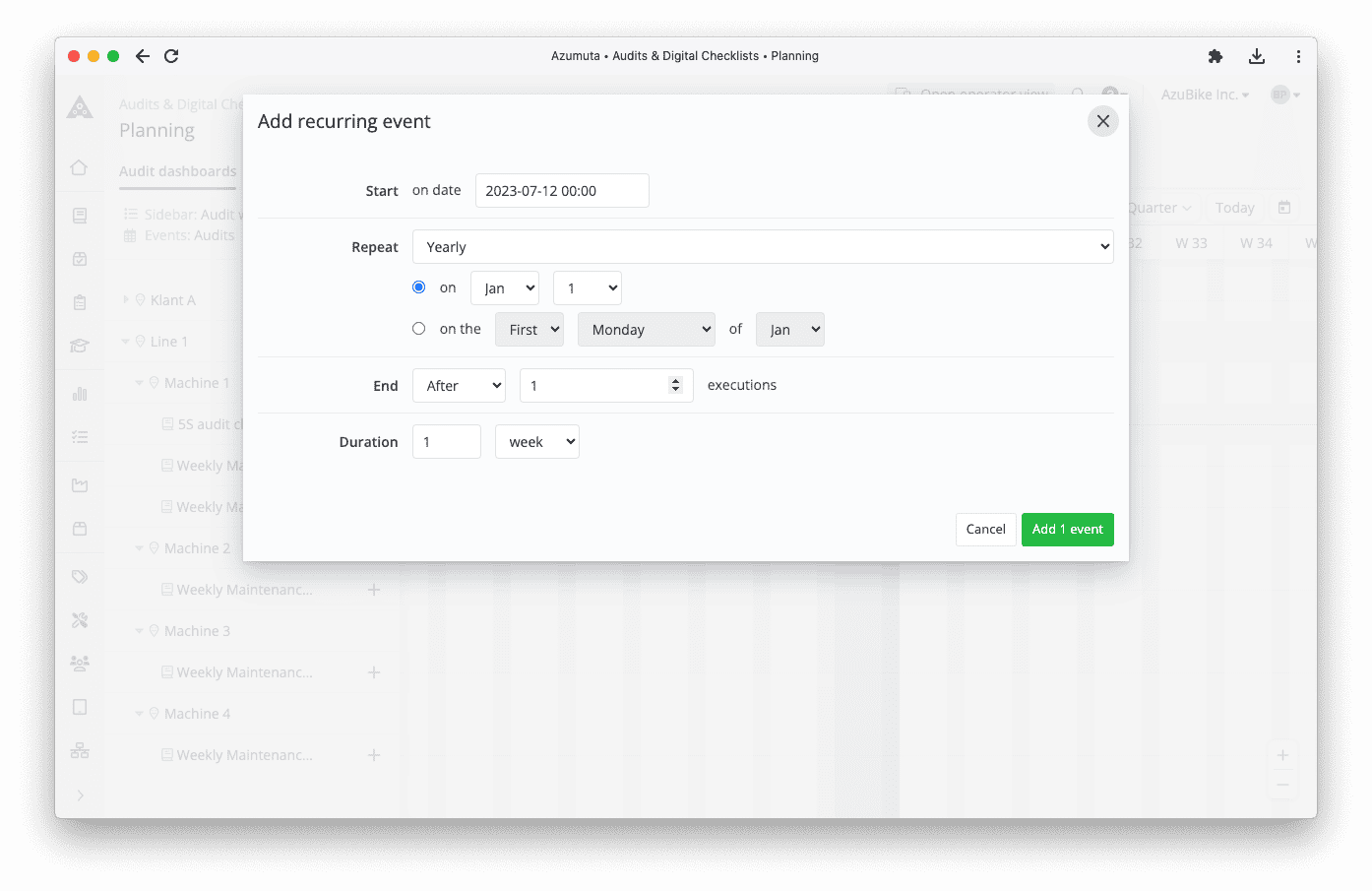
Set an Audit Schedule
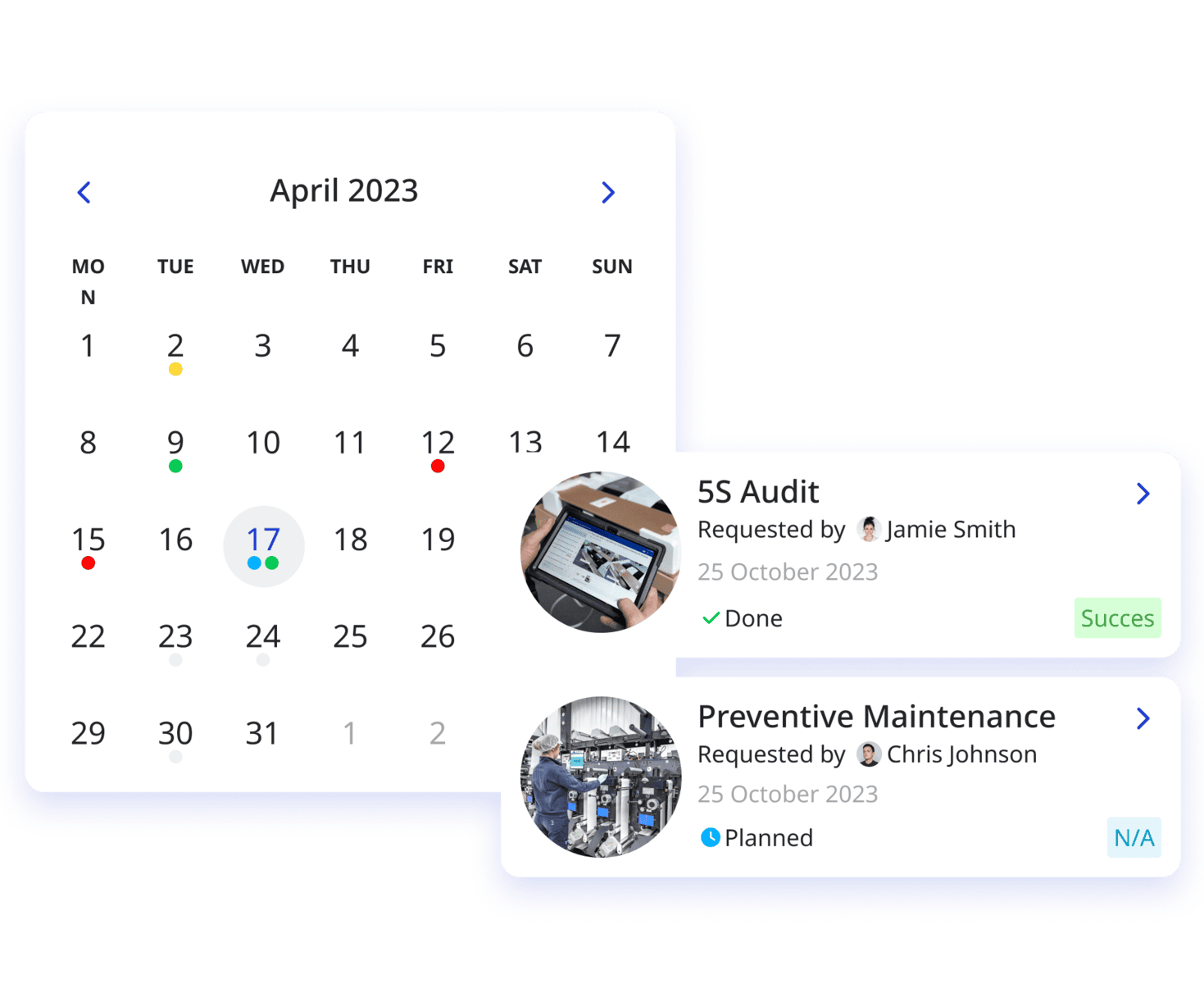
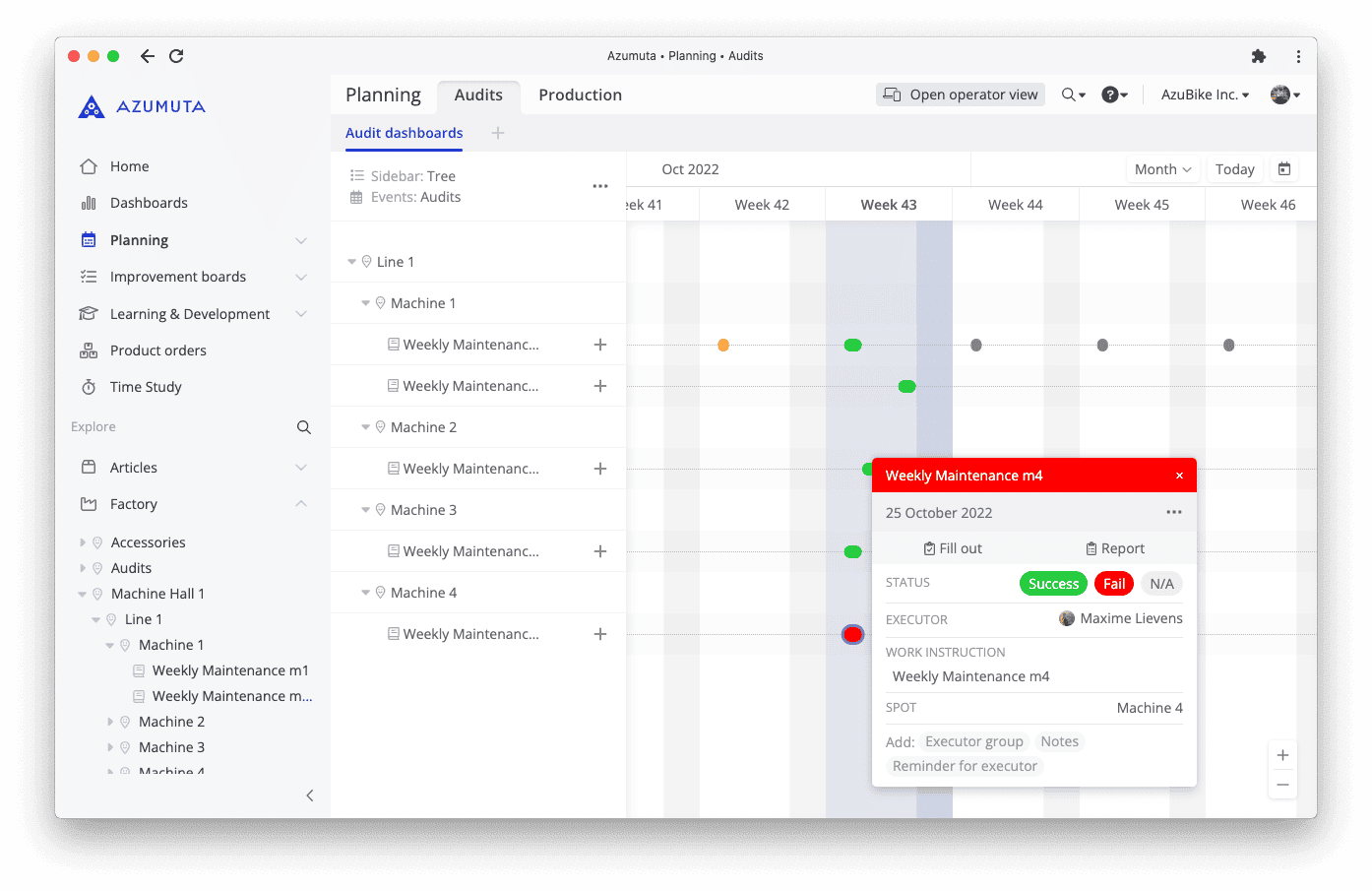
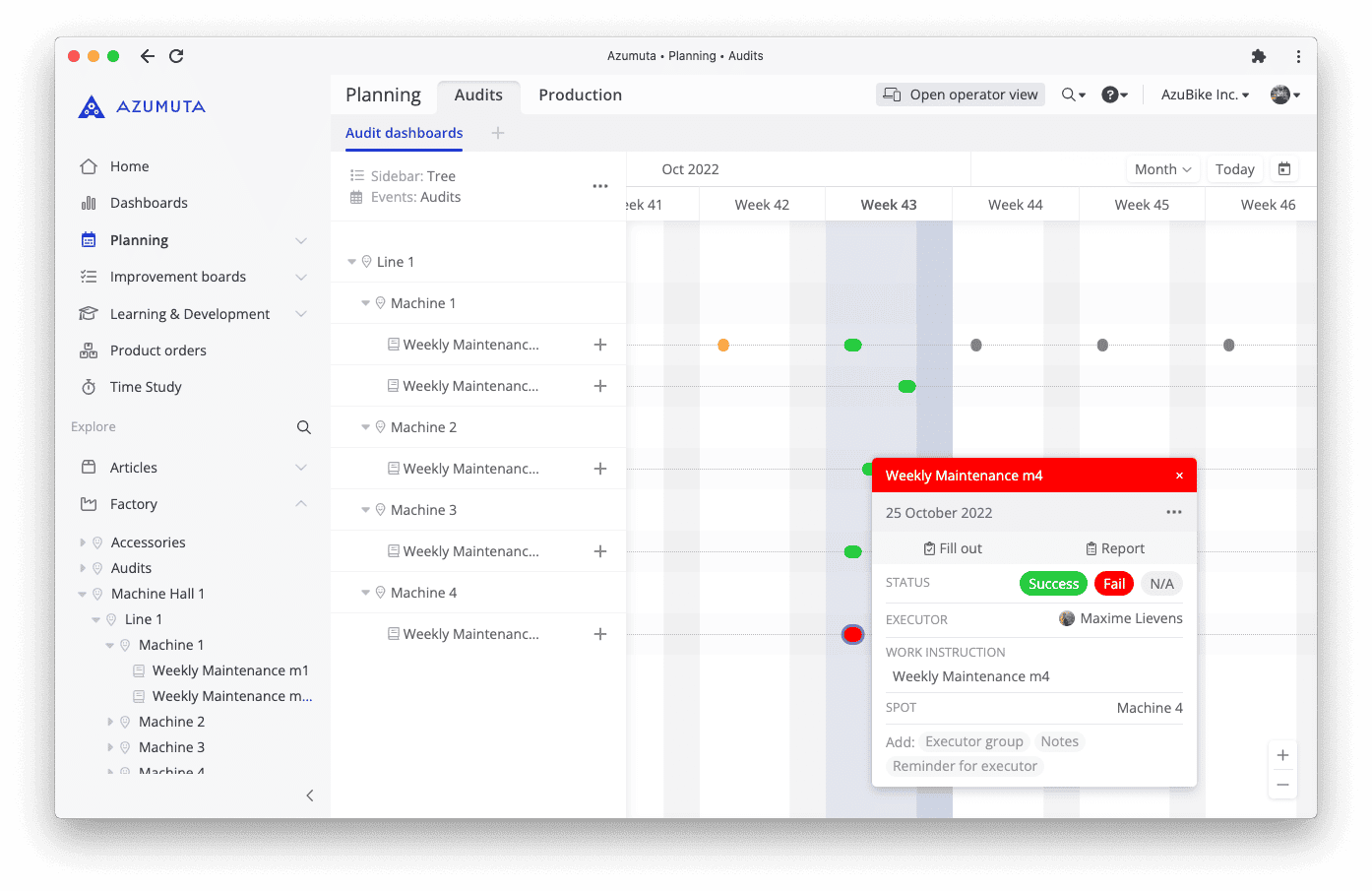
Visualize all your shop floor audits on a single platform. Have your new or recurrent audits available in an interactive timeline to keep track of your team’s progress.
Workflows
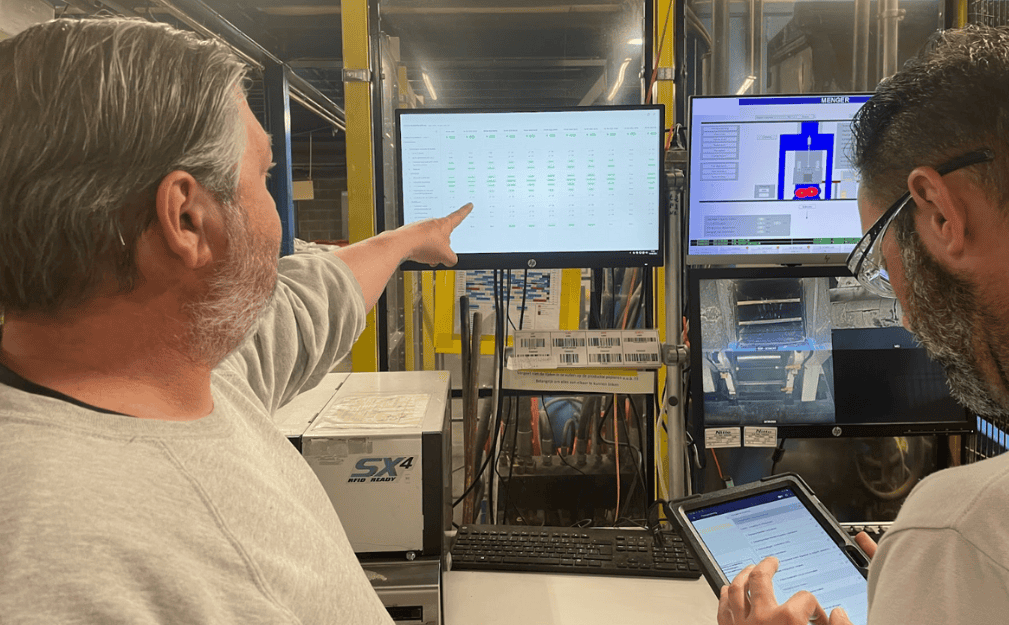
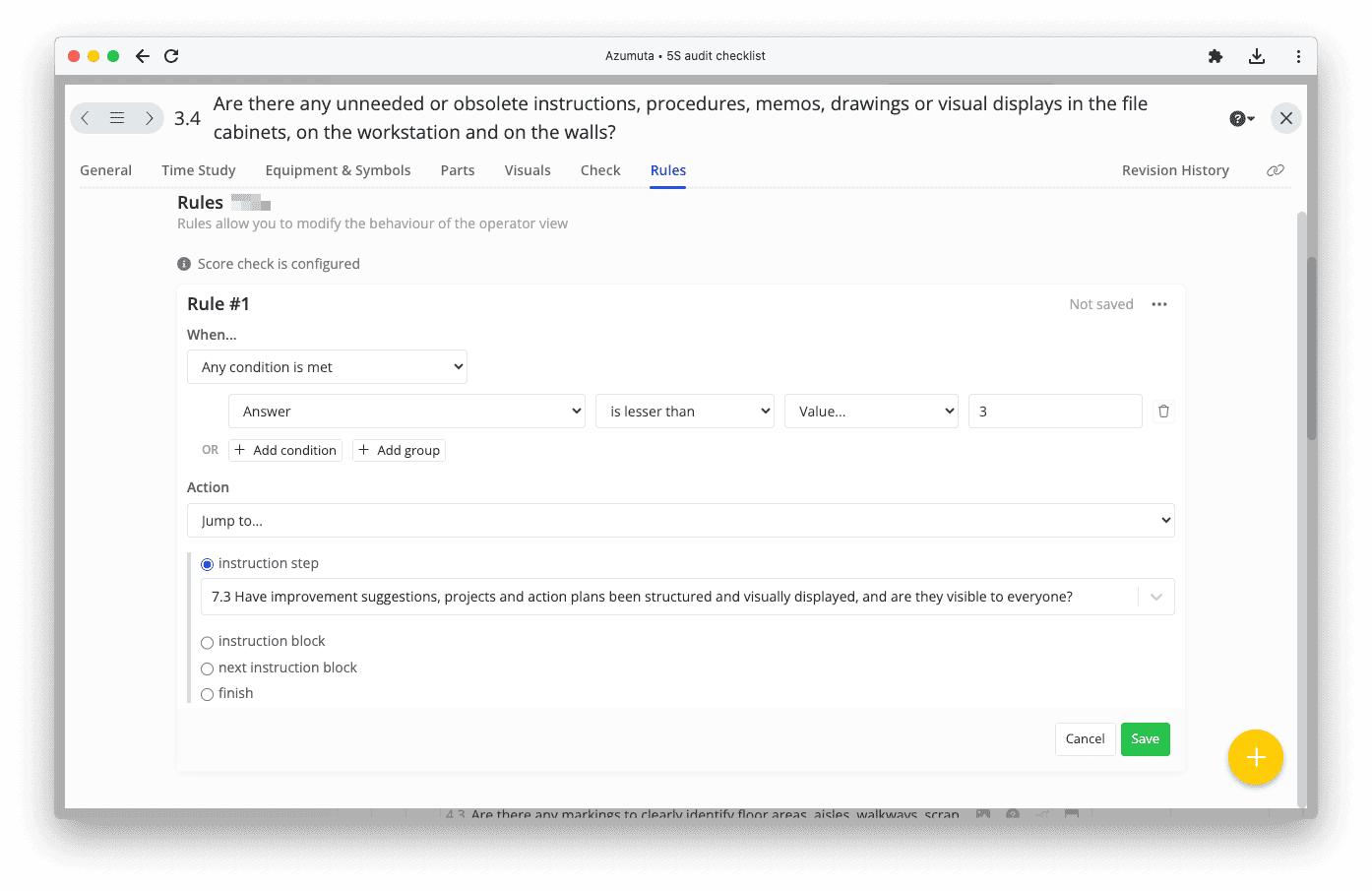
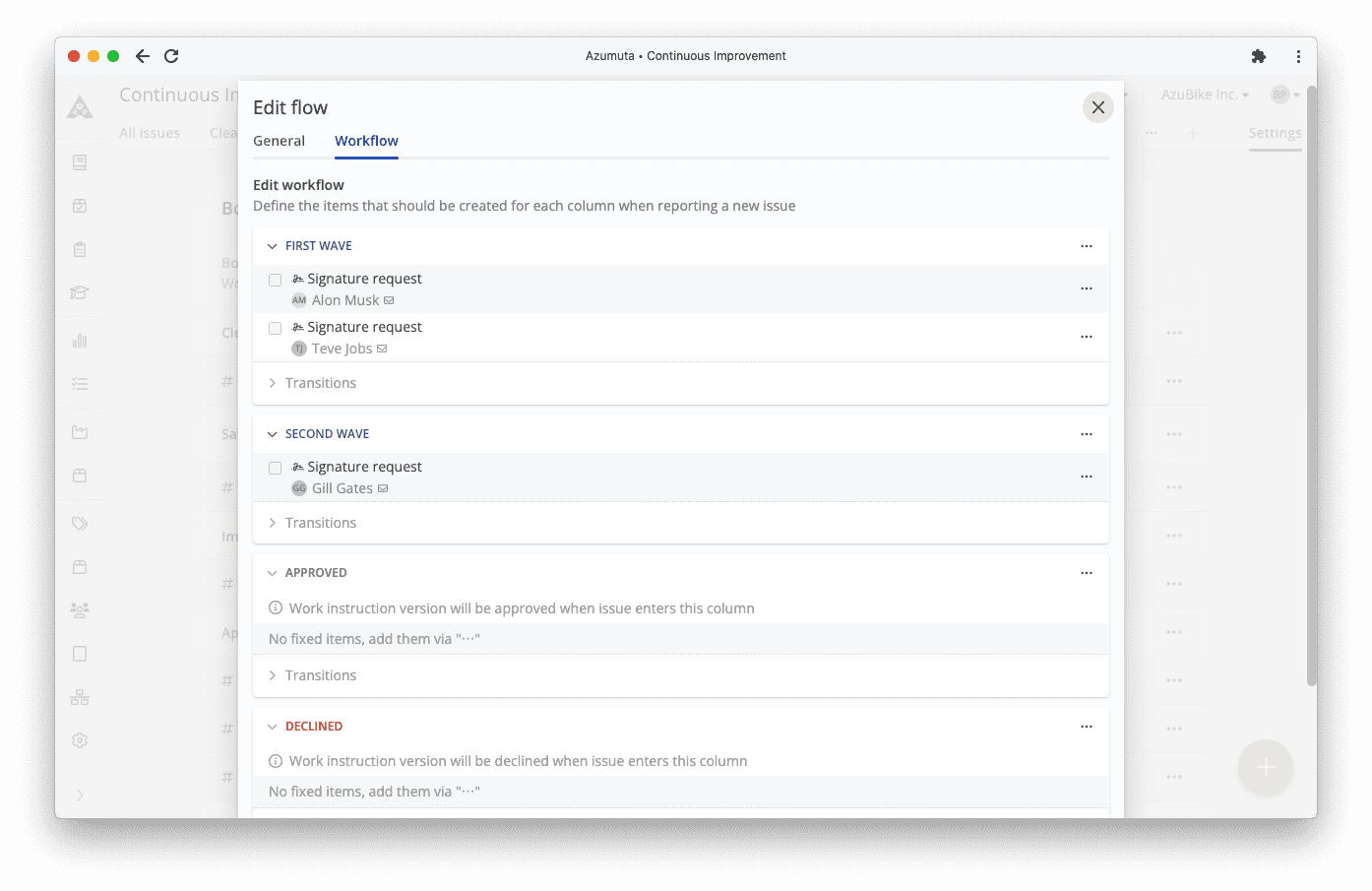
Create workflows in just a few clicks and automate notifications, alerts, and updates. You can also trigger a pre-defined set of steps or tasks to follow according to the particular scenarios that happen on the shop floor. Then, let it work run in the background!
Track the Progress of Your Audits
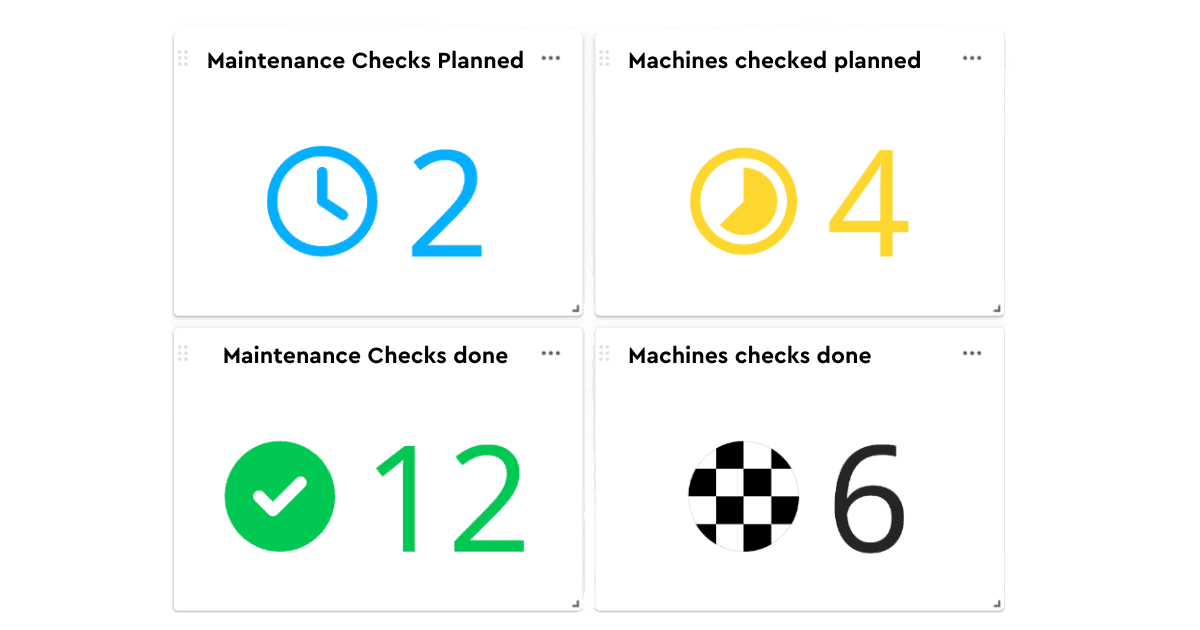
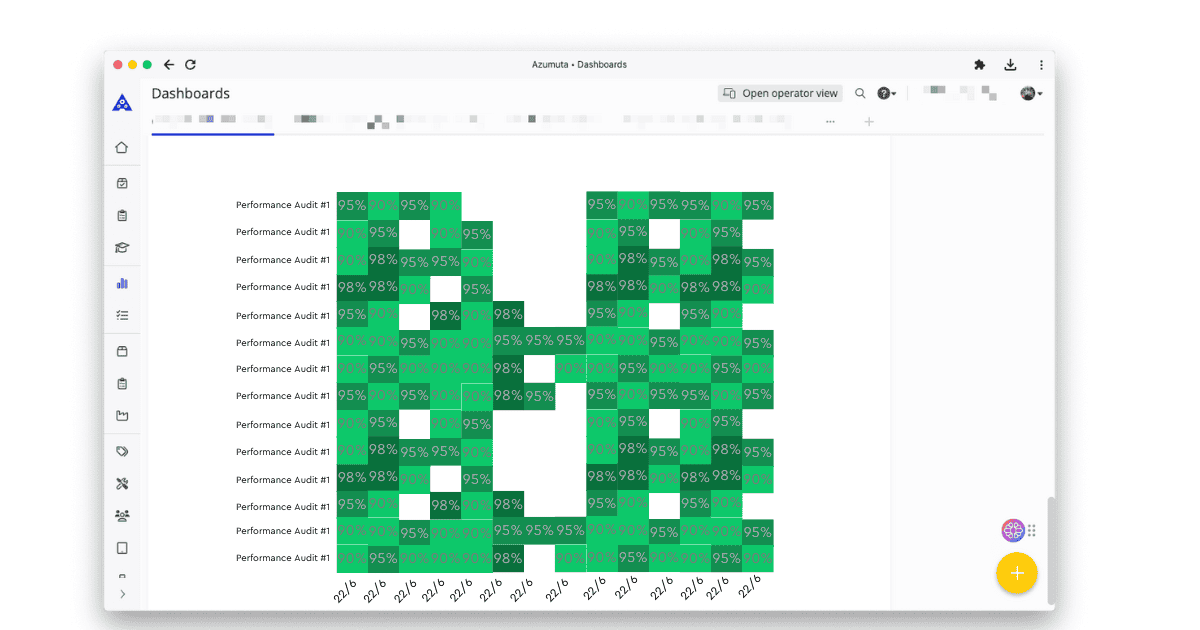
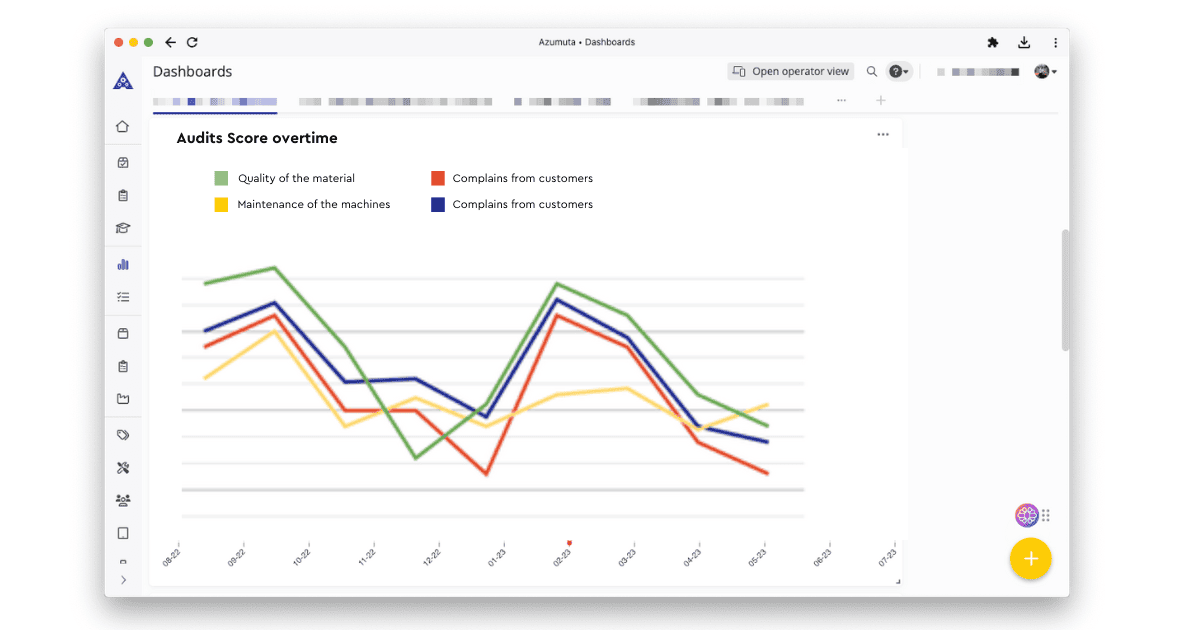
Build and leverage your own dashboard to visualize the progress and trends of your audits. Monitor your progress in real time and enhance your reports with graphics to share your progress in just a few clicks.
Don't just take our word for it!

At Navtech, product accuracy is crucial. Azumuta has transformed how we manage complex variants, ensuring every product is built precisely to our standards.
Richard Morris
Engineering & Operations Director


“Azumuta is more than just an information tool; it’s also part of our learning and development path. This way, we can flexibly select people with the right attitude, and offer them the ideal training environment to develop themselves.”
Johan Dom
Vice President Process Engineering


With Azumuta, we can have quality checks during assembly, ensuring there’s real-time quality control. For traceability, the product order information is stored digitally, so we can quickly address customer complaints and efficiently resolve them. This two-layer system allows us to maintain our high-quality standards and provide exceptional customer service.
Joris Cuvelier
Quality Assurance Coordinator


Previously, as an organization, we relied heavily on the discipline of the operators to fill in the necessary production reports. With Azumuta, we can send the necessary reminders to the operators if necessary. Moreover, we can monitor in real time whether they have actually filled in the production reports at the scheduled time.
Jurgen Kuppens
Production Coordinator


The ability to adapt quickly to changes in work instructions has given us a competitive advantage, while the fully automated distribution of work instructions has decreased complexity and reduced errors on the shop floor. Azumuta has revolutionized our work instruction management process and made our operations more agile.
Koen Catteeu
Operations Manager

Many More Features

Standardized Work Instructions
Offer a robust and standardized space for all the work documentation. No more clumsy editing of Word documents, Excel, or Sharepoint.

Operator and Admin Interface
Offer unique views for the different production teams. Keep control of who can view and who can create processes and procedures.

ISO Requirements
Improve quality standards and meet ISO requirements by implementing procedures & standards, online training, and better communication.

QR codes
Let operators scan QR codes to access instructions and procedures on their workstation.

Compatible with PDF, Word, Excel, Json, etc.
Import PDFs and other types of files to your work instructions.

Connect from Different Devices
Let operators work in the same system while using a smartphone or tablet to access procedures in real-time.
Get Started Today!
Take your work instructions to the next level by adding the Continuous Improvement feature. Use a ticketing system to gather your workers’ suggestions and insights, then turn their feedback into actionable tasks to improve processes.
Get a Demo →