
Digital Work Instructions
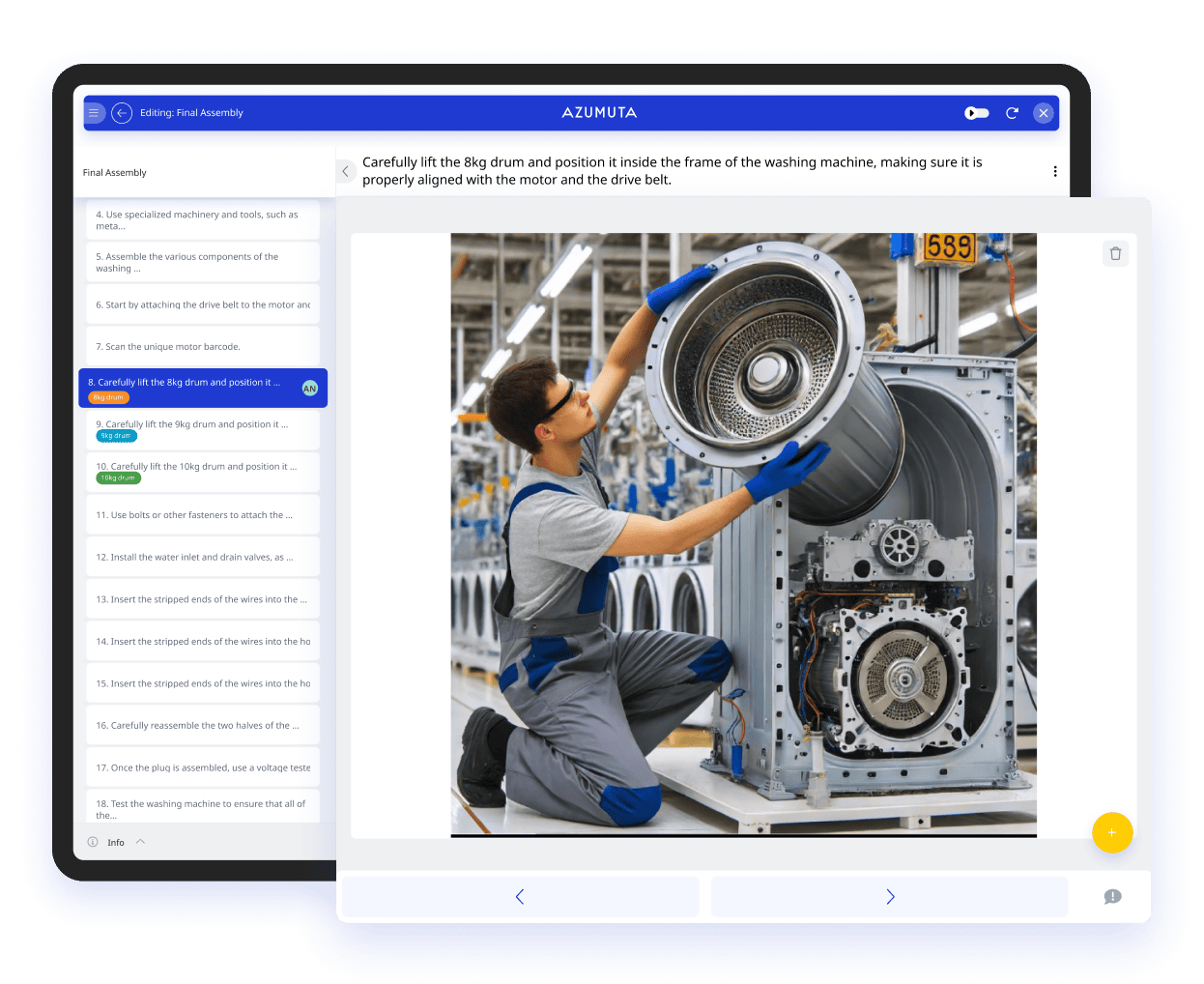
Now it’s easy to create visual work instructions, training documents, and technical writing resources. Manage them all in one place! Centralize and standardize your documentation with Azumuta.
↓ 80%
Onboarding Time
↓ 62%
Quality Complaints
↓ 99%
Less Papers
Trusted by Leading Companies Like












Featured video
Creating Digital Work Instructions With Azumuta is THIS easy
Create and manage your work instructions in Azumuta! By digitizing your work instructions you will reduce onboarding and training time, improve the quality of your products, and have always-up-to-date work instructions on the shop floor. Get all these benefits after a simple set up!


Create Work Instructions within an Intuitive, No-Code Software
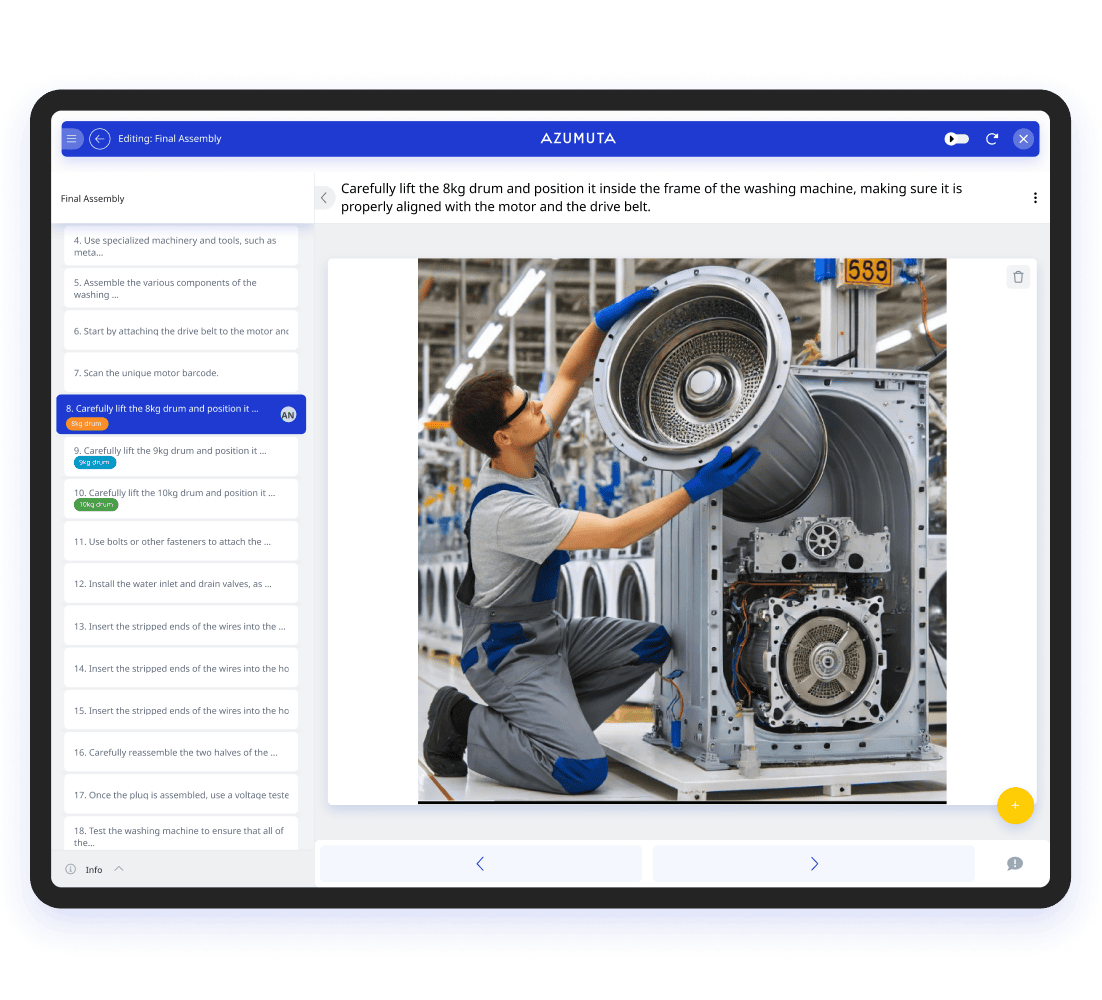
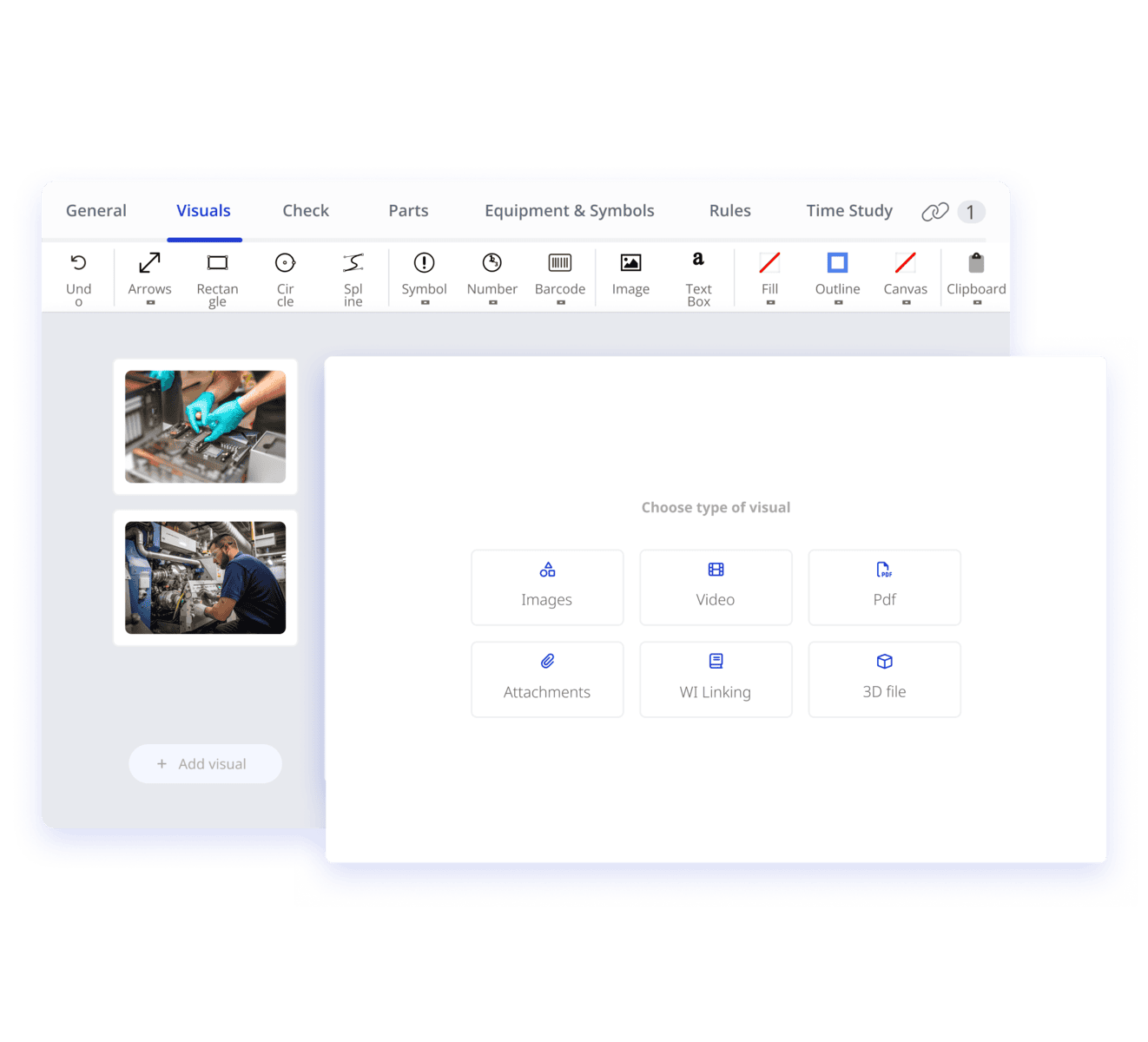
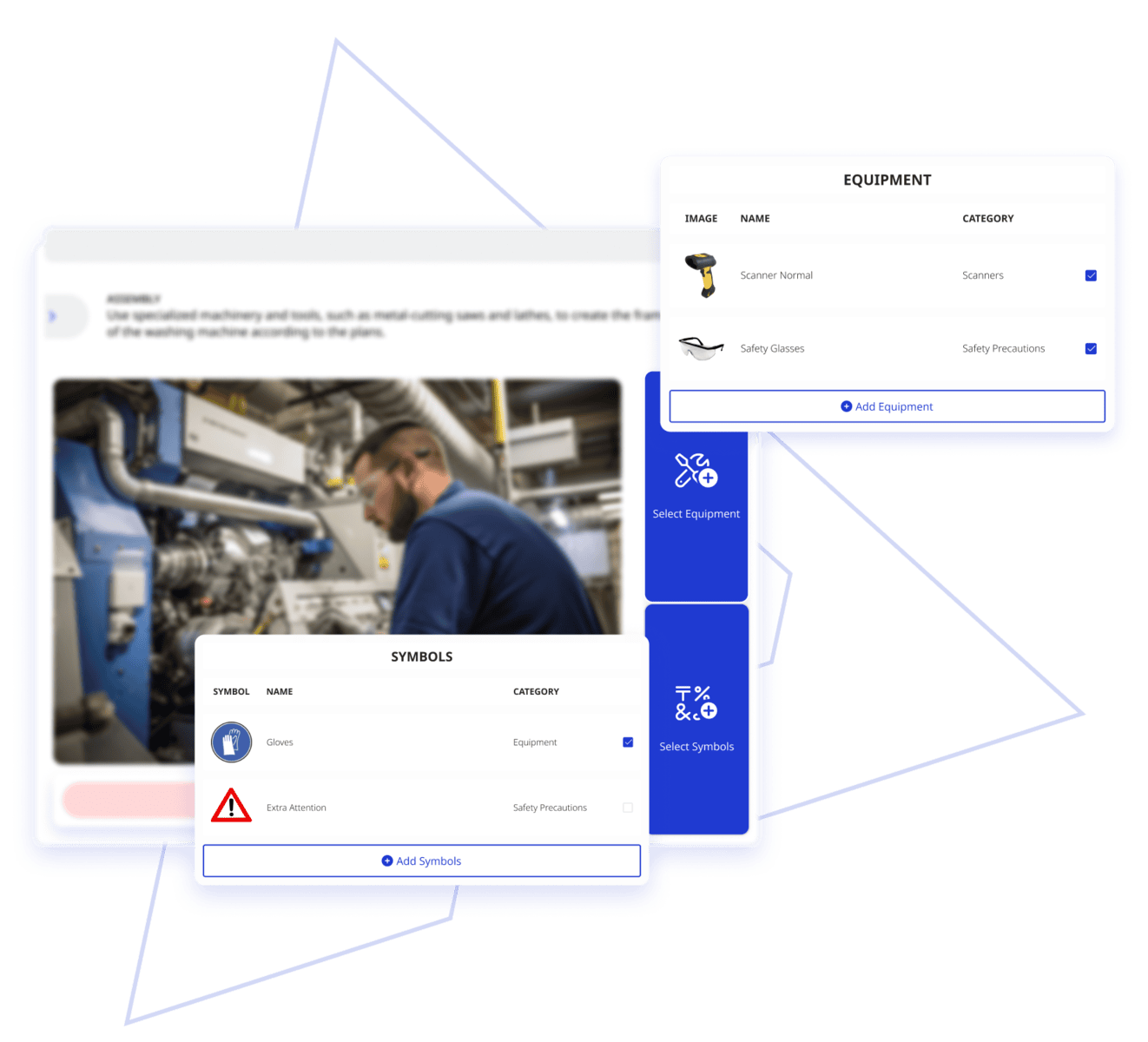
Create rich step-by-step instructions for each manufacturing process using multimedia and interactive elements like videos, graphics, and 3D images. Provide all the elements your operators need for that process.
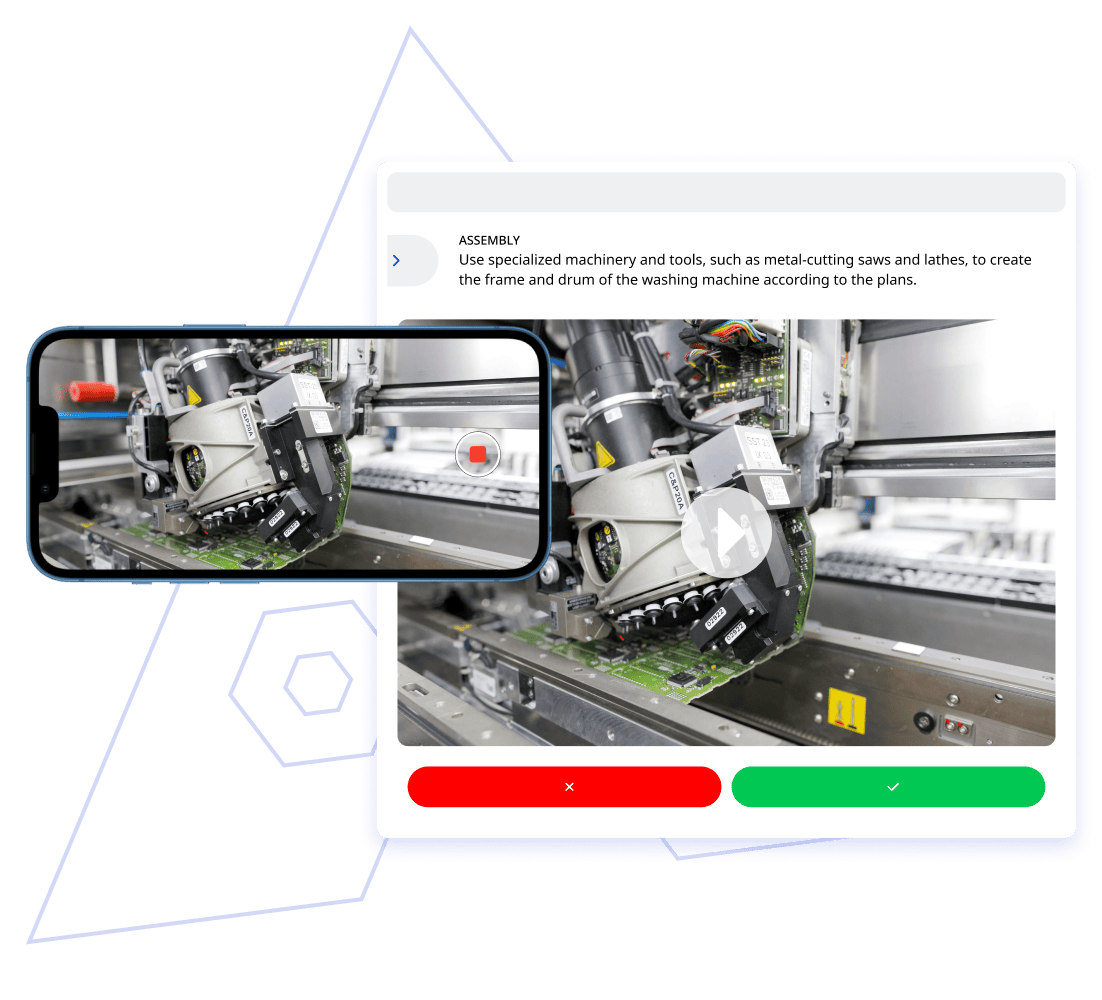
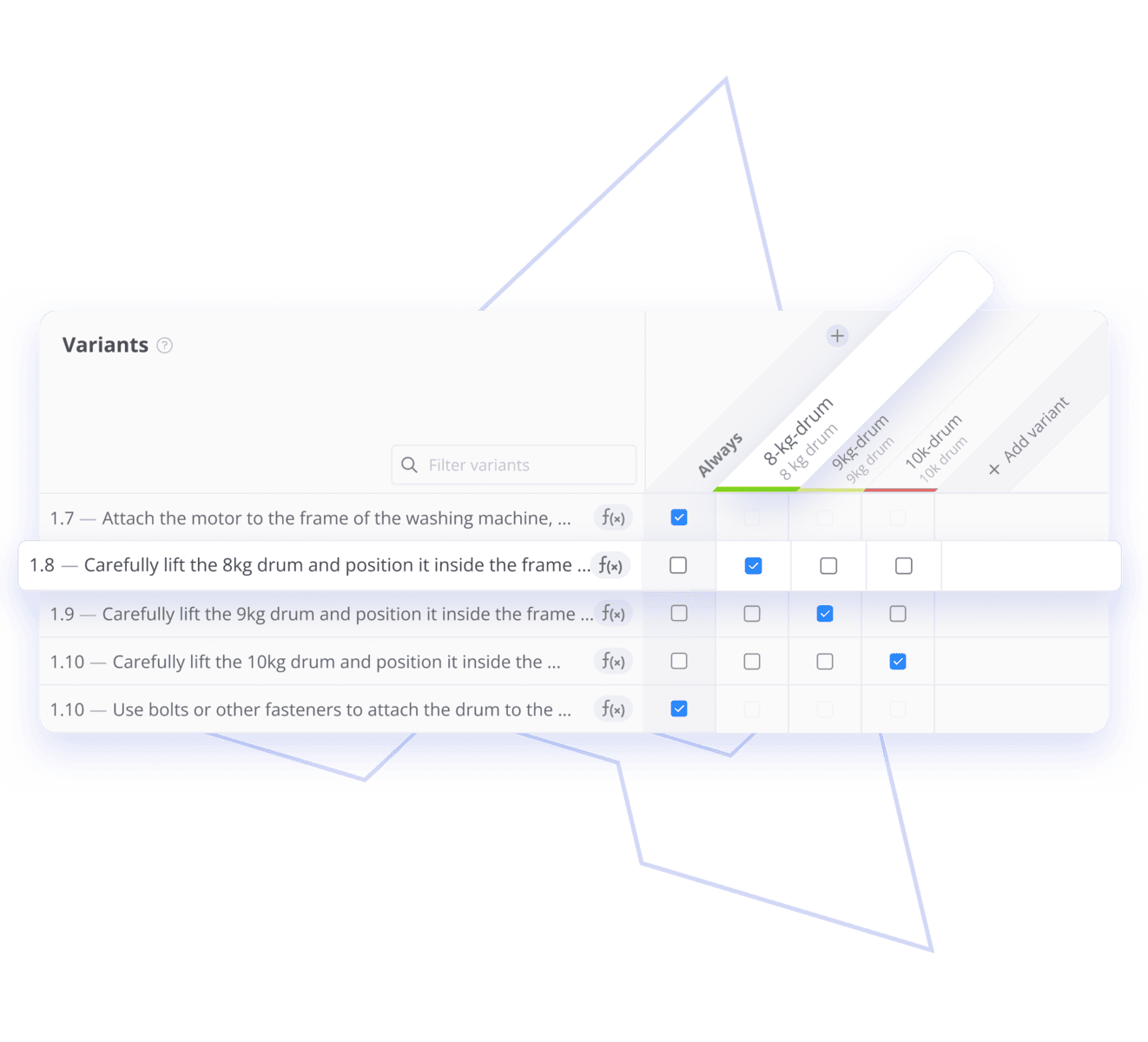
Smart Factory: Intelligent Variants and Template Solutions
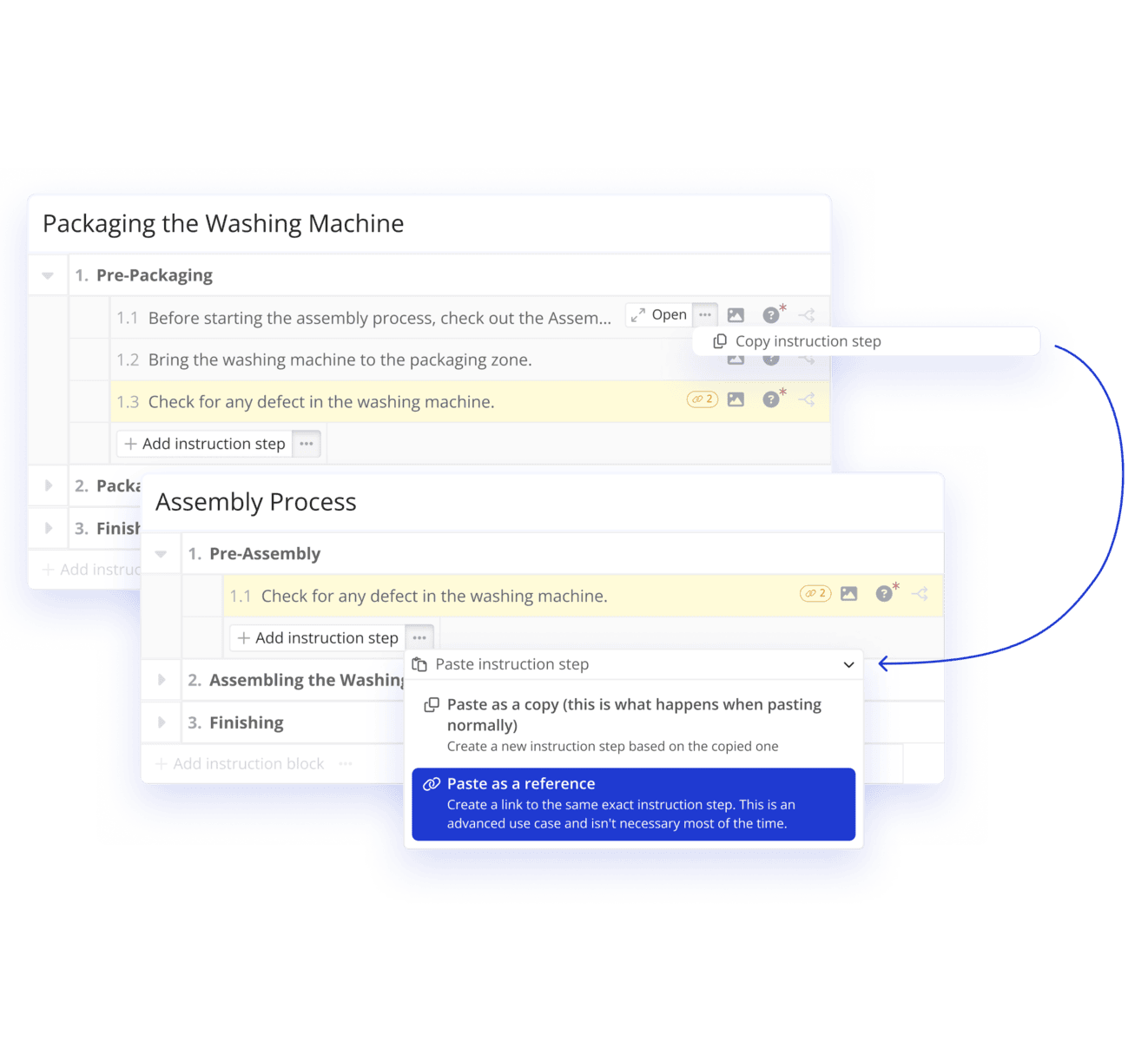
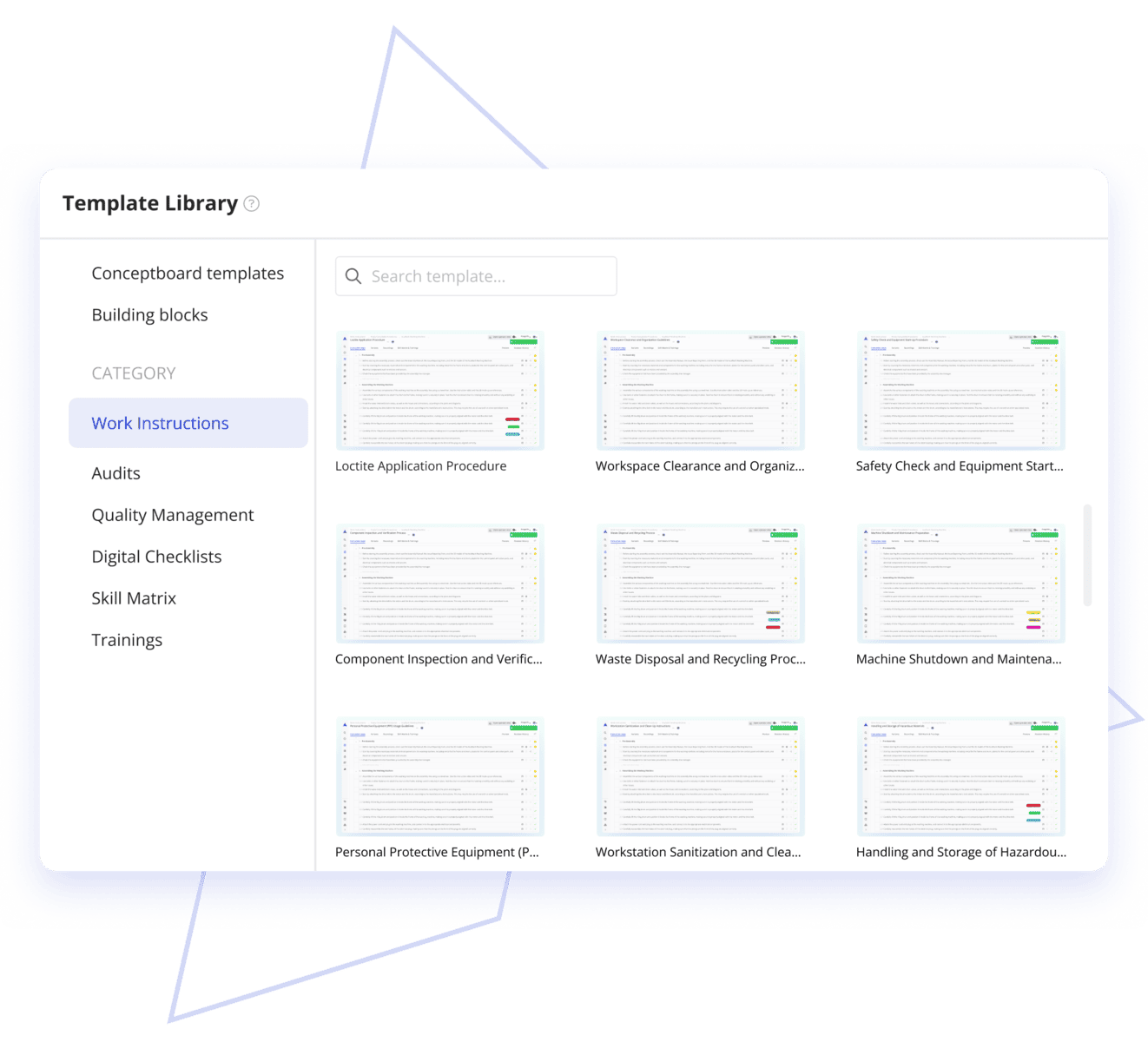
Create work instructions for manufacturing faster by leveraging Azumuta's intelligent variants, parameter handling, smart linking of documents to bulk changes, and a library of reusable templates.
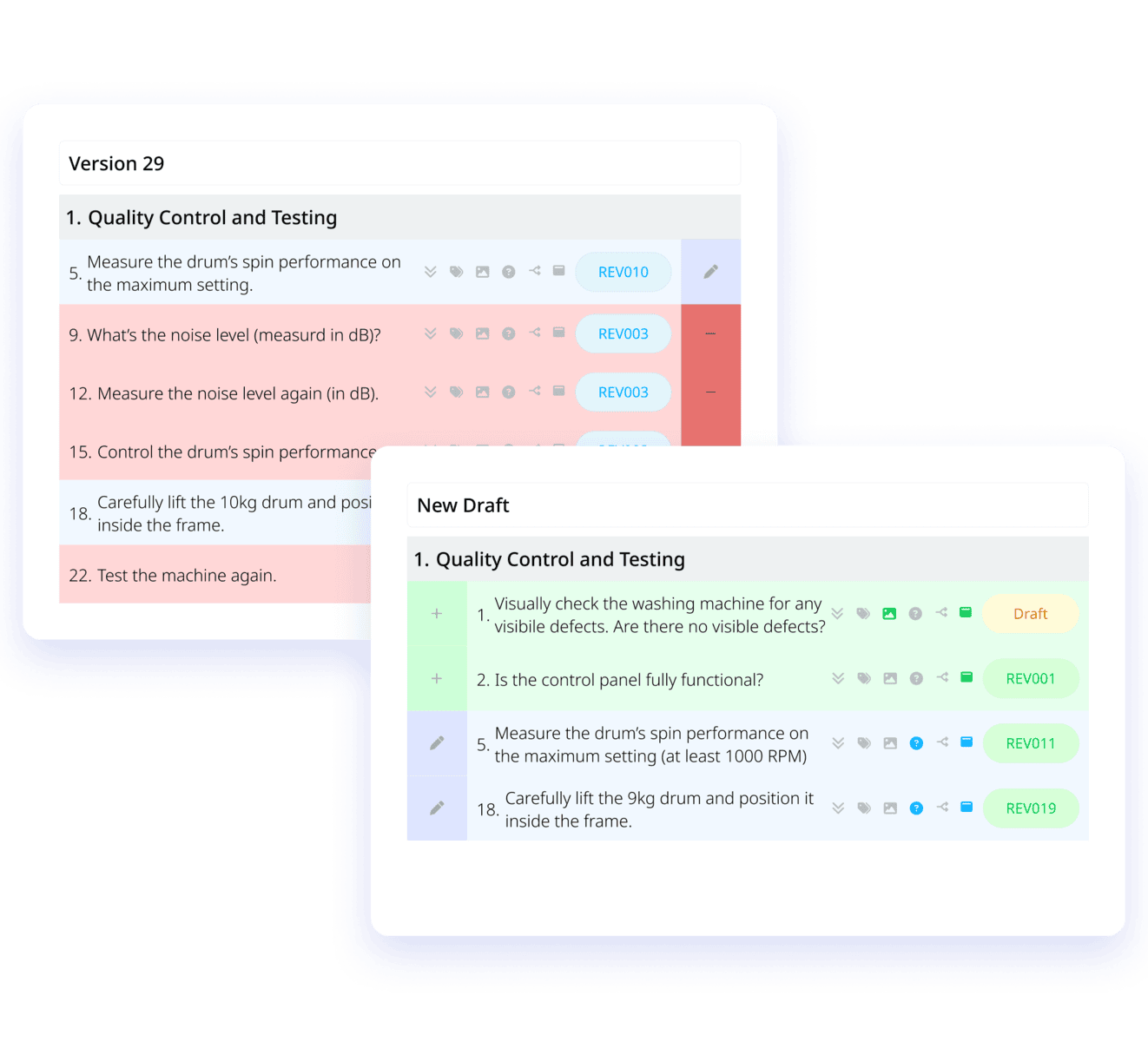
Revisions History and Integrated Approval Flow
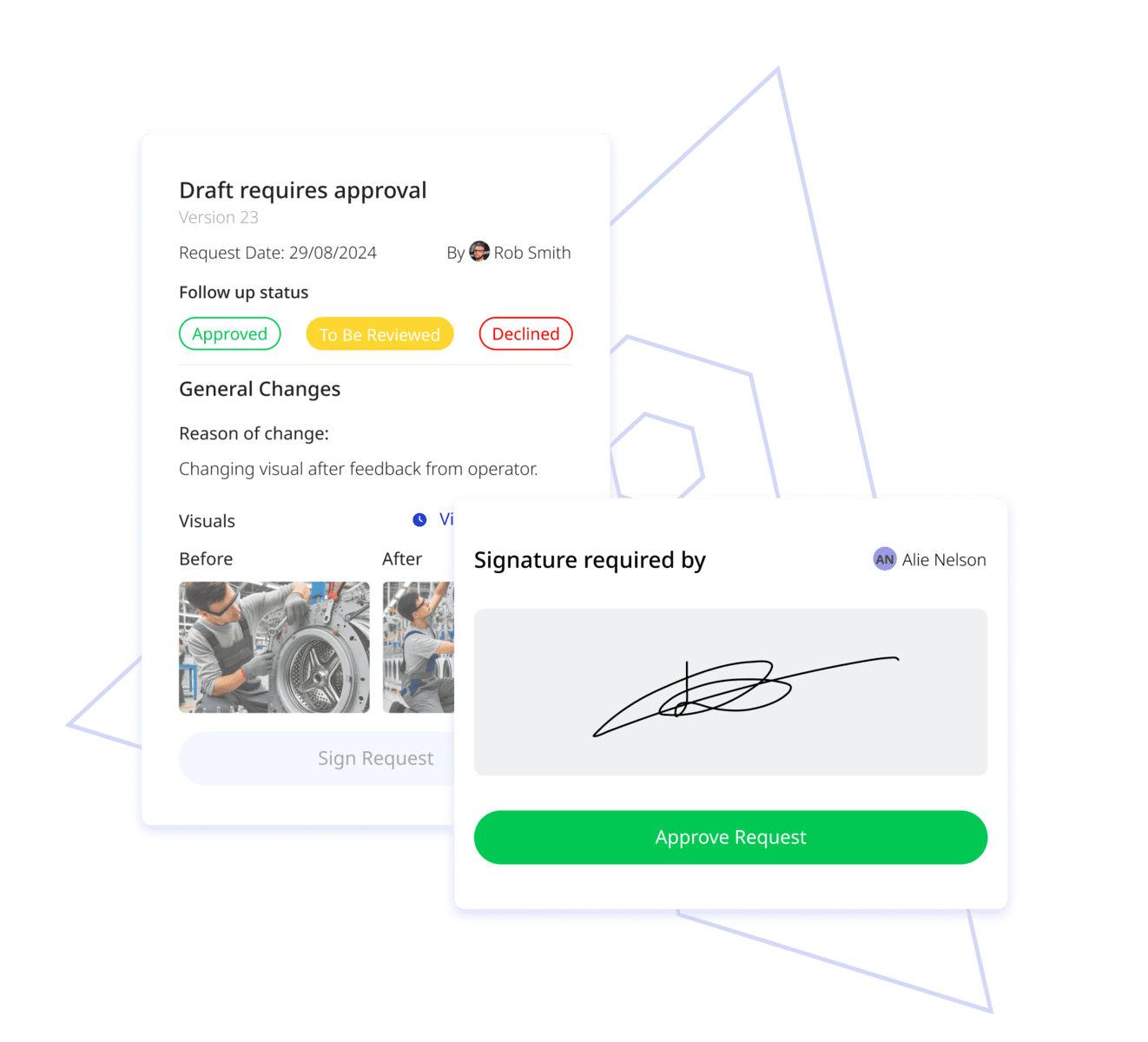
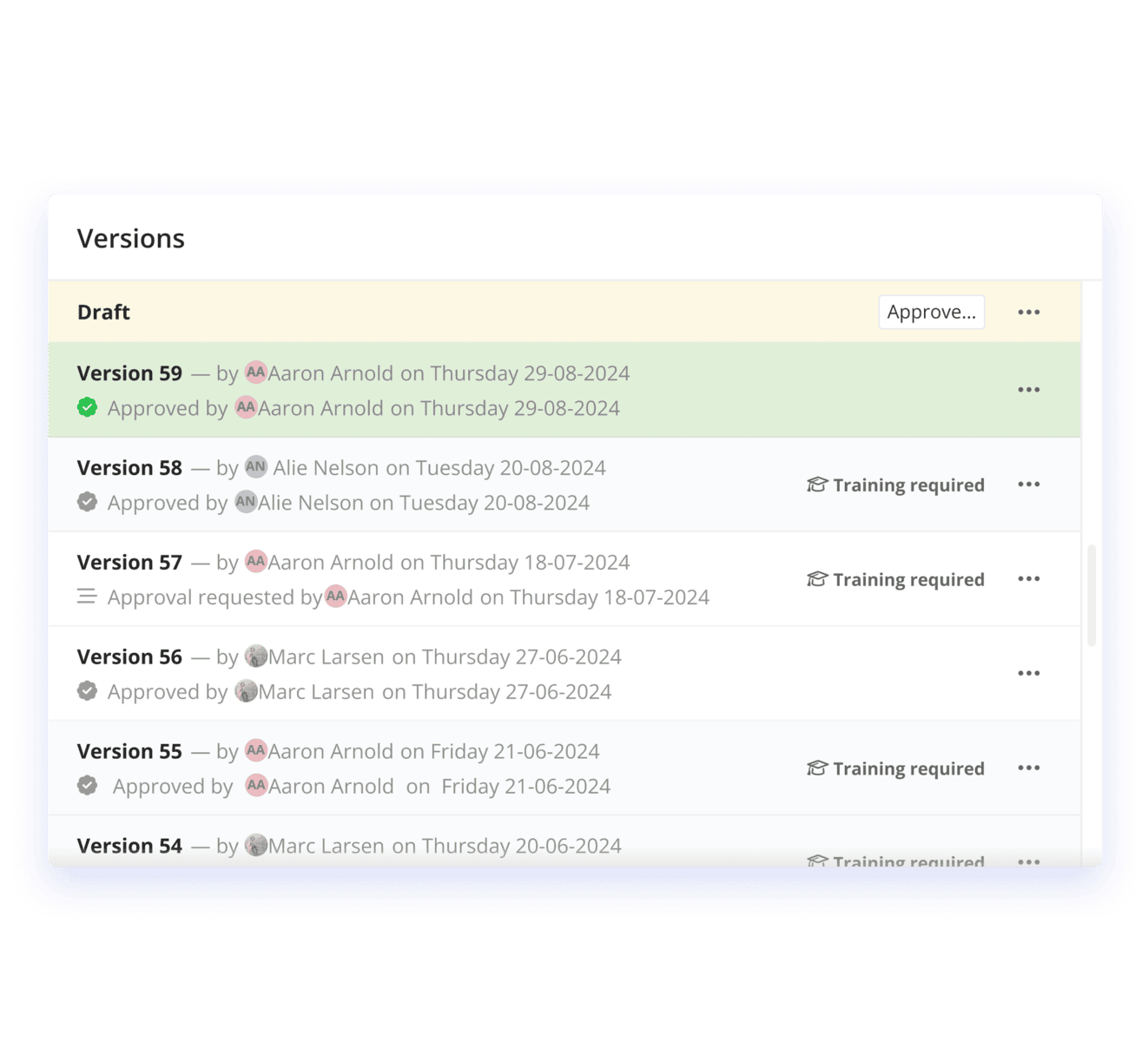
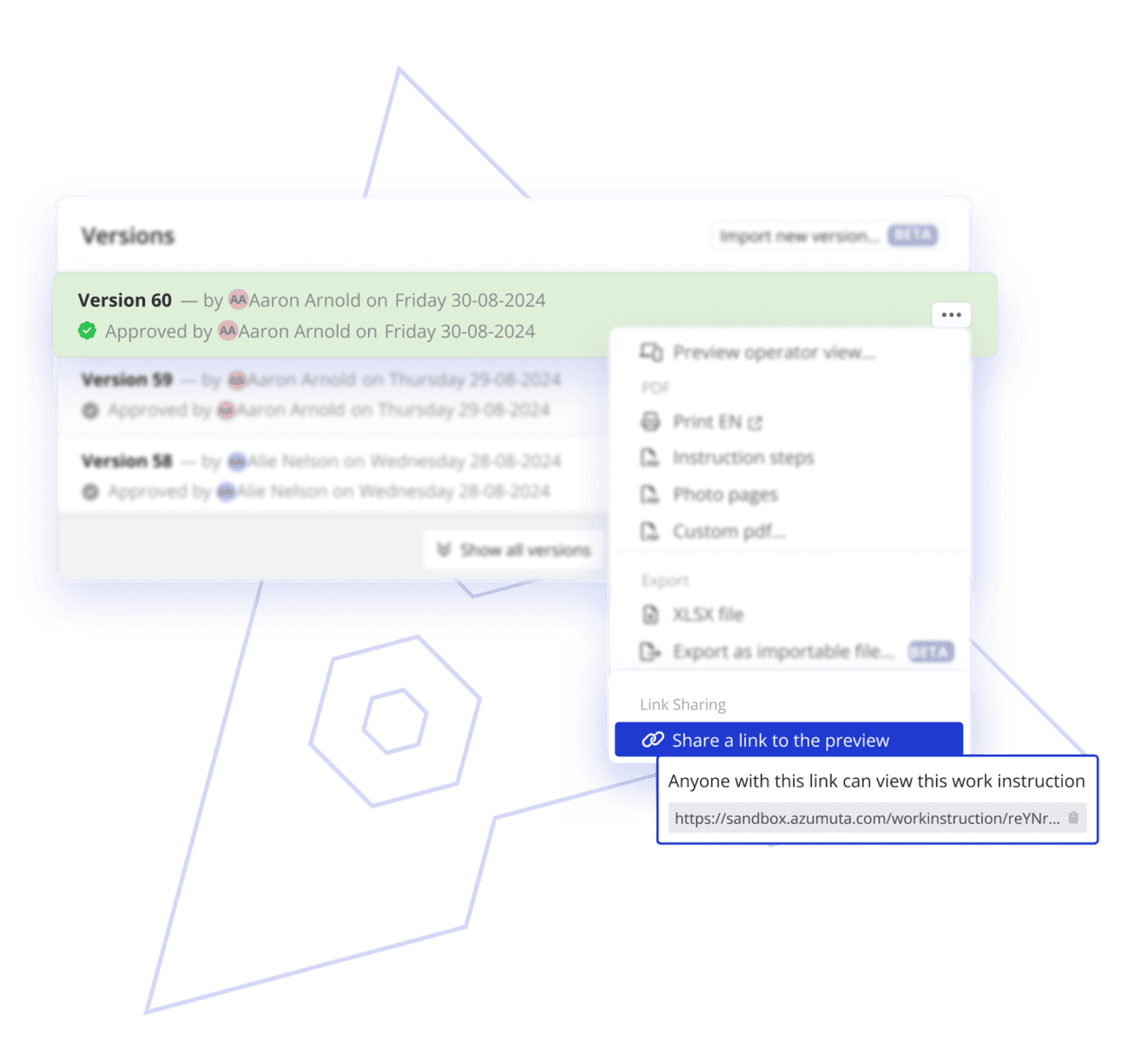
Create and manage approval workflows to ensure that whenever a work instruction is updated, that change gets approved by the right team people through e-signatures. Comply to audit standards with Azumuta.
Scalability: Workspaces & Centralized Control
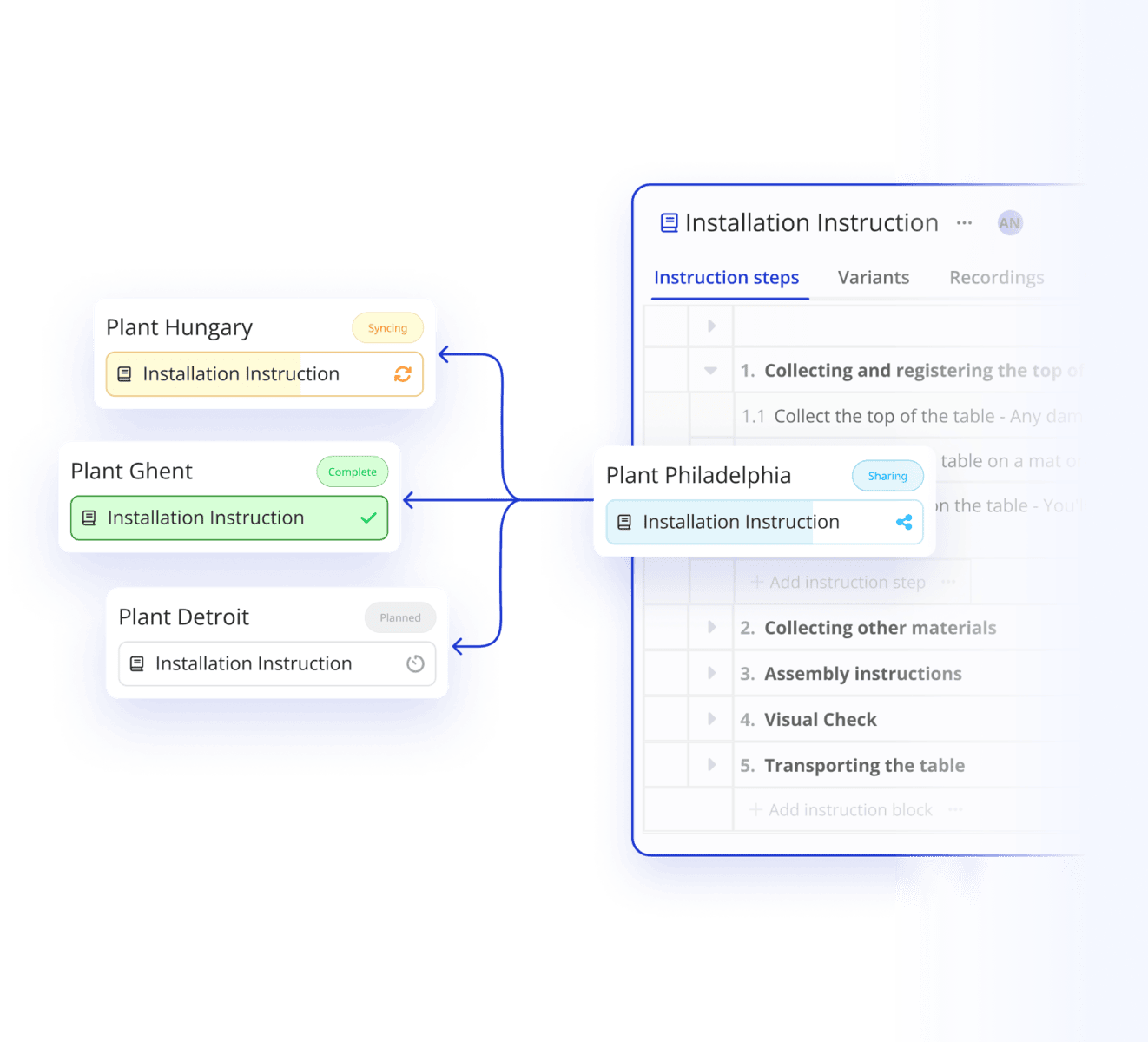
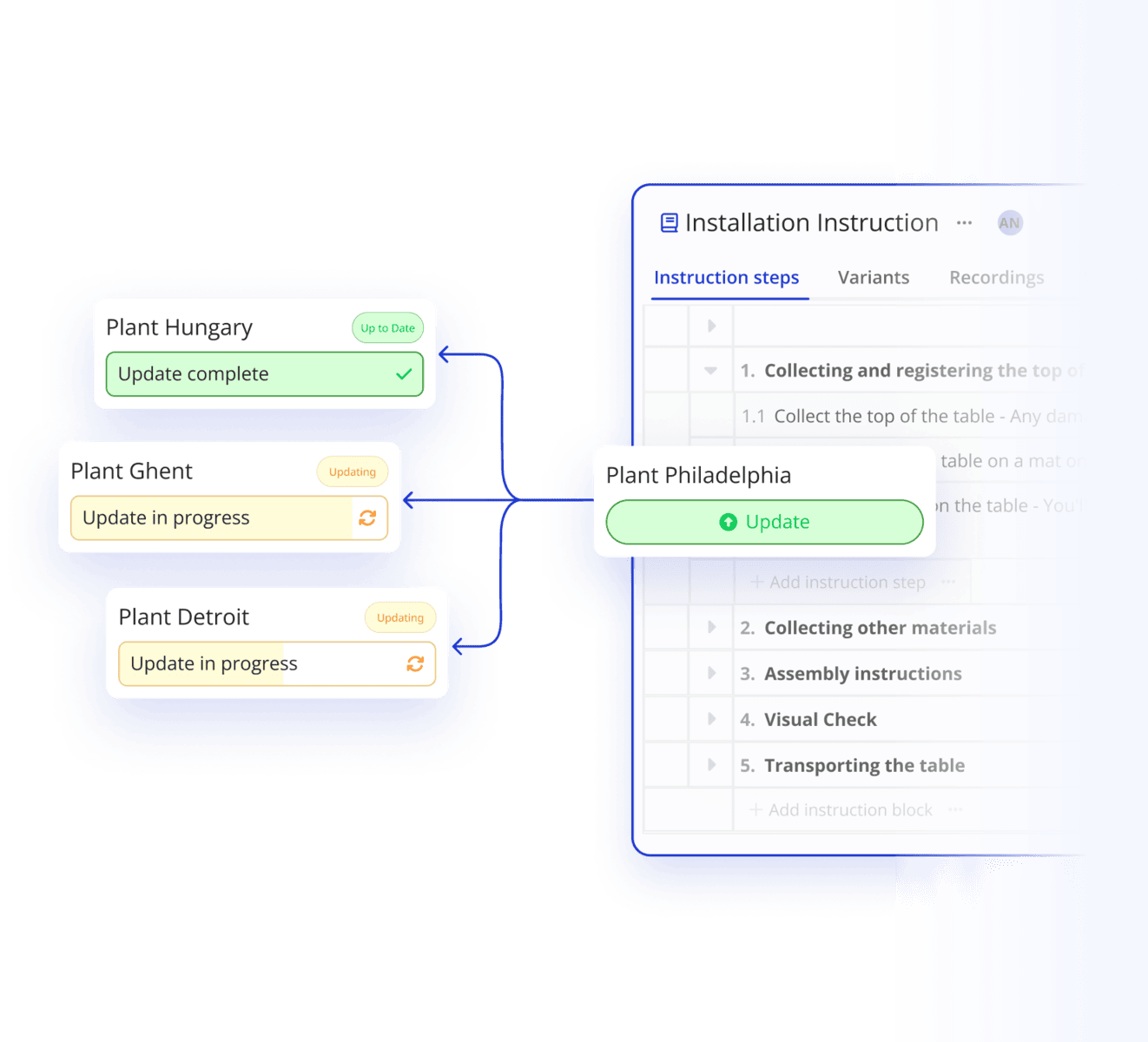
Make sure you can replicate your work instructions in other workspaces as your company scales. From your main workspace, you can still have complete control of the updates and maintenance made across other workspaces.
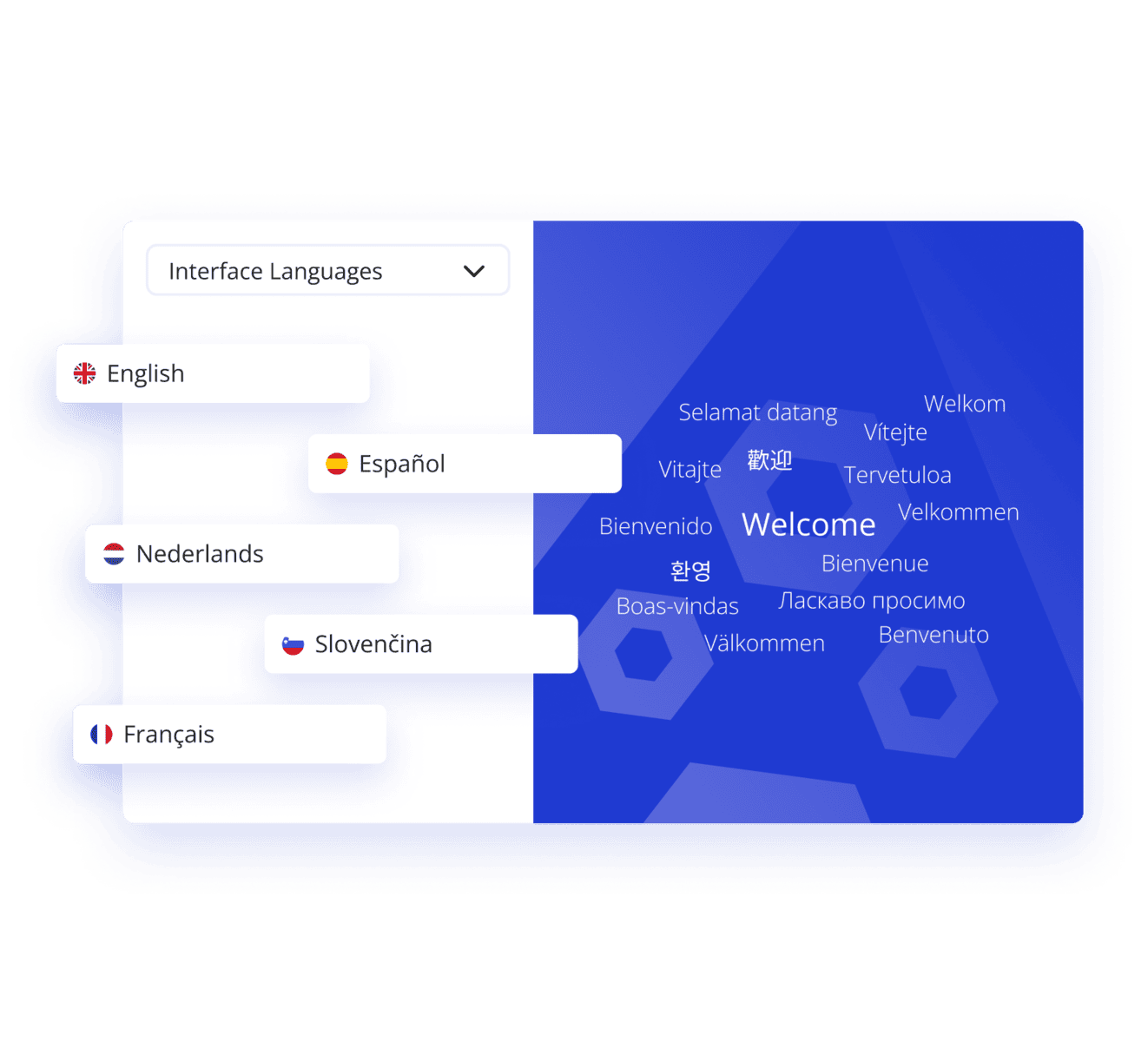
Seamless Multi-Language Support for Global Workforces
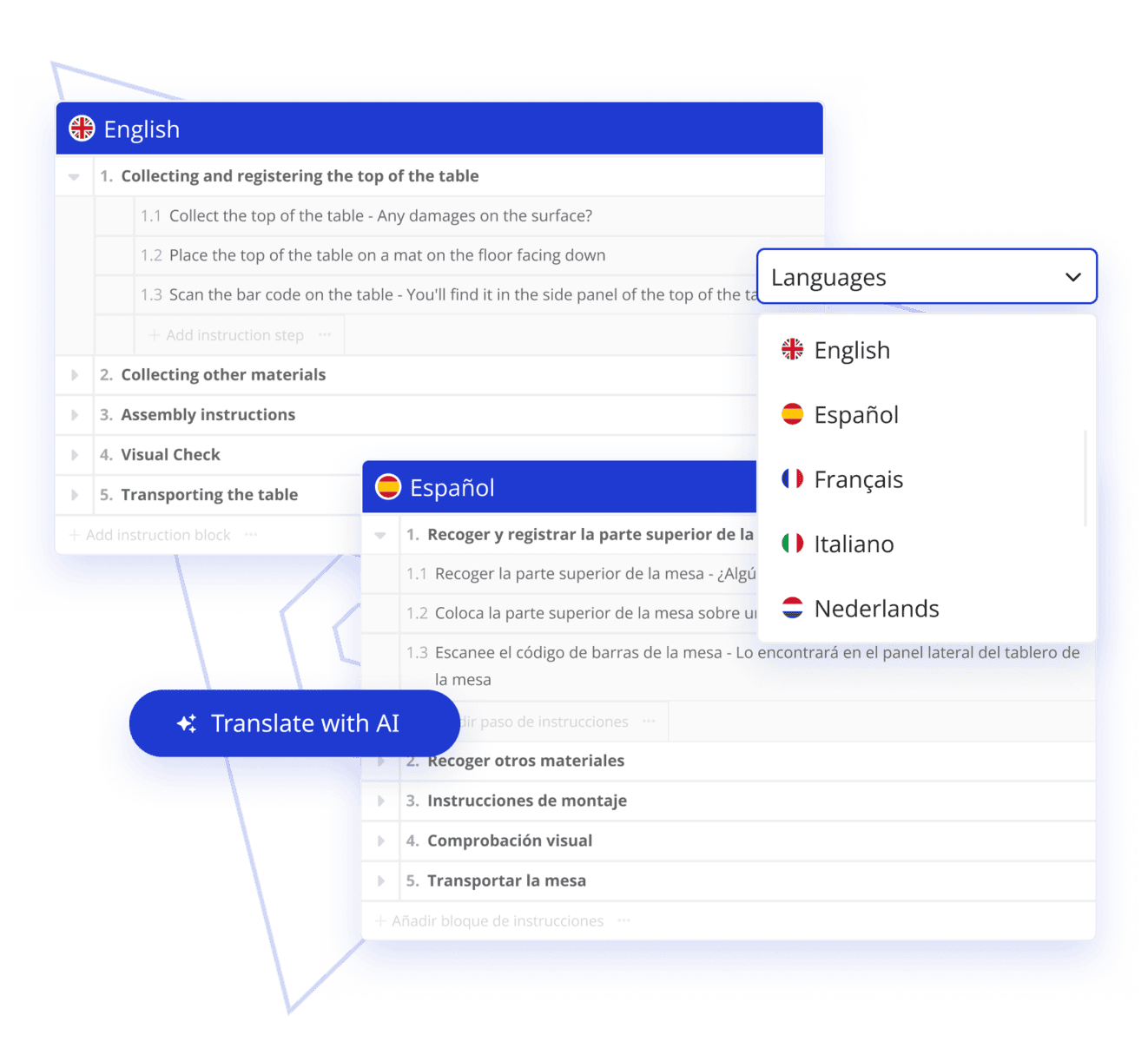
Create work instructions faster and effectively by leveraging Azumuta's unlimited variants matrix, parameter handling, smart linking of documents, and a library of reusable templates.
Connected Work Instructions Software
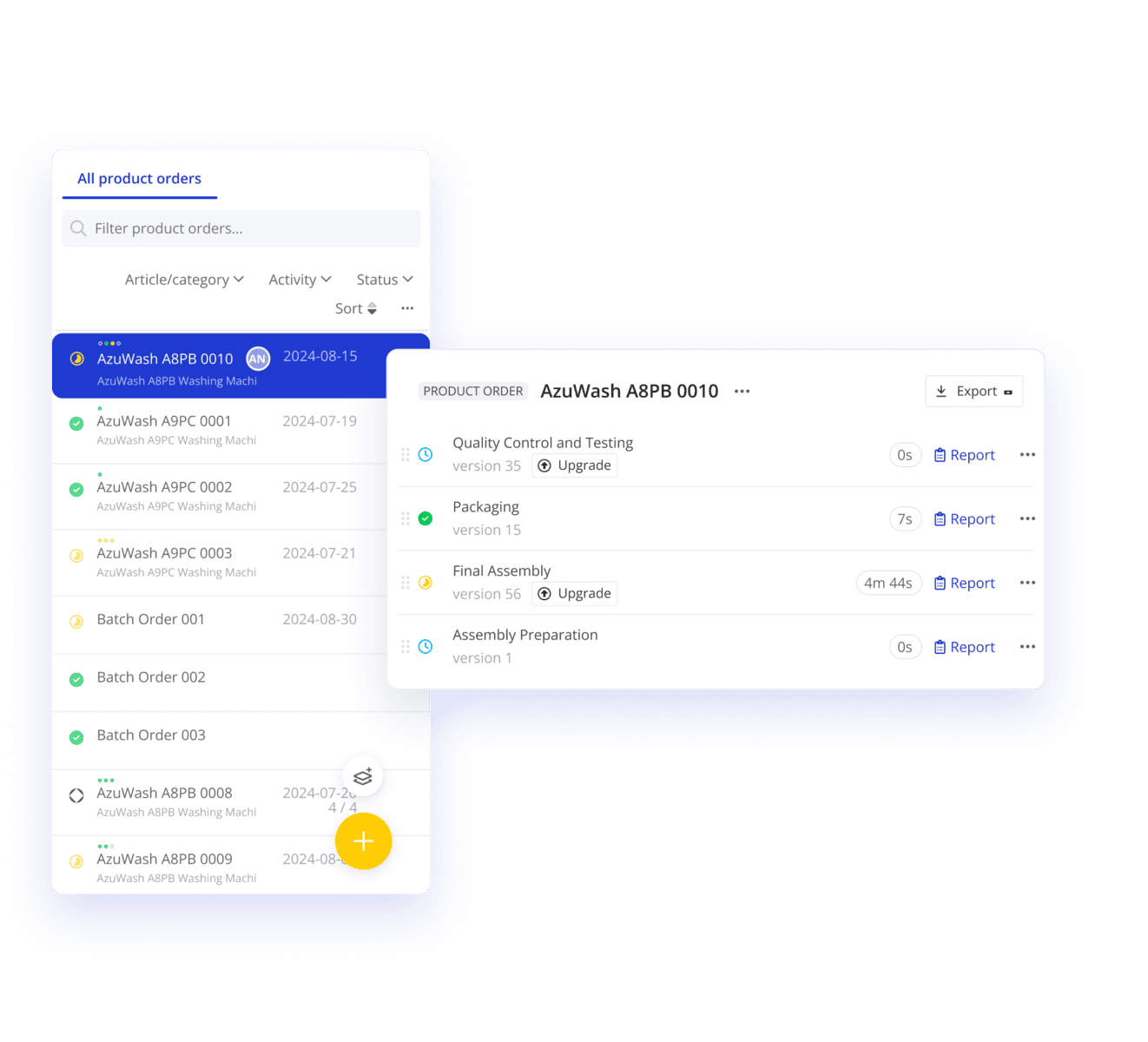
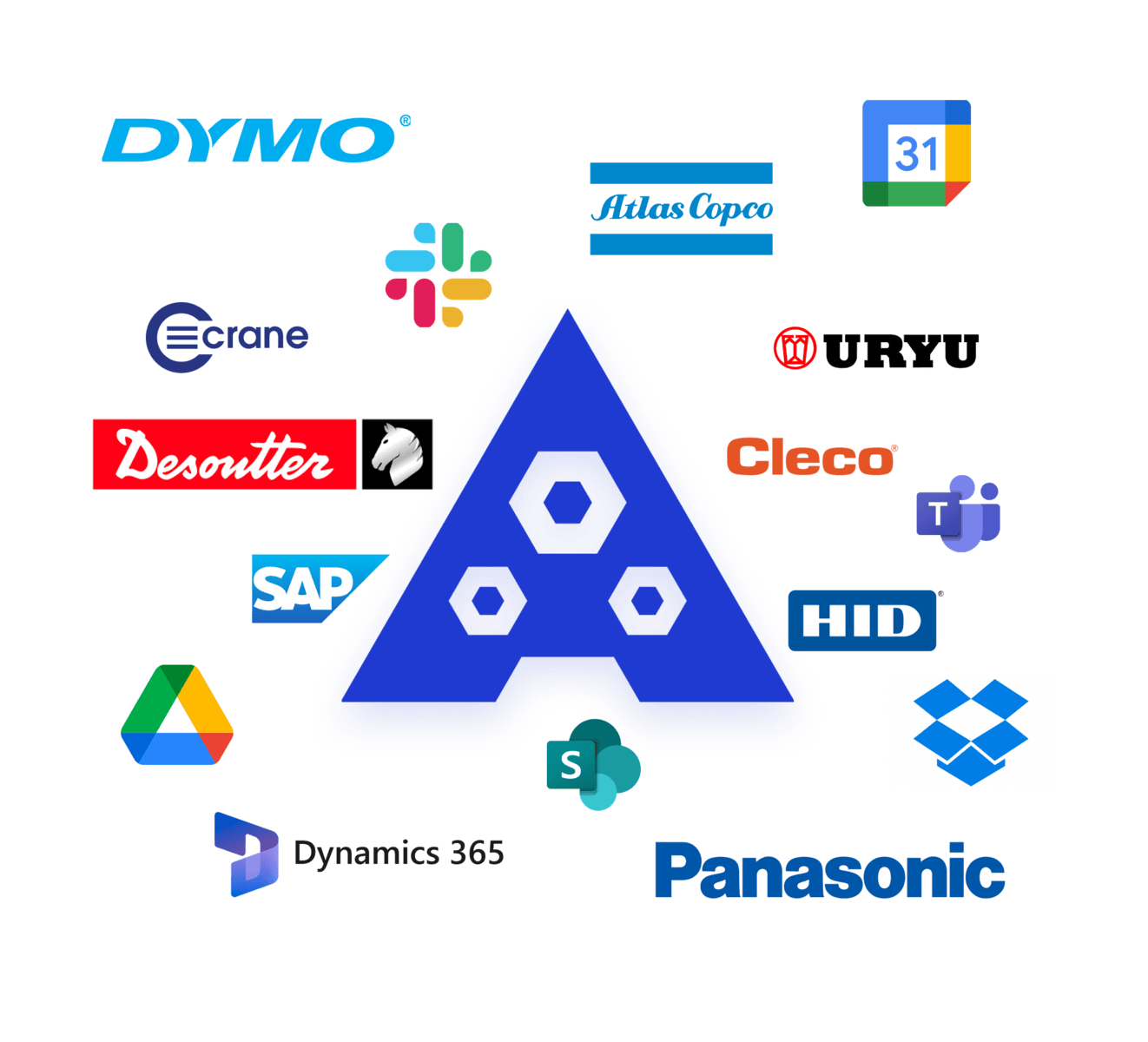
Azumuta accessible work instructions so your operators can can be connected with other software and hardware tools like ERP systems, scanners, printers, torque wrench tools. You can also associate digital work instructions with product orders to have a completely integrated and automated process.
Easy Access to Work Instructions & Document Sharing
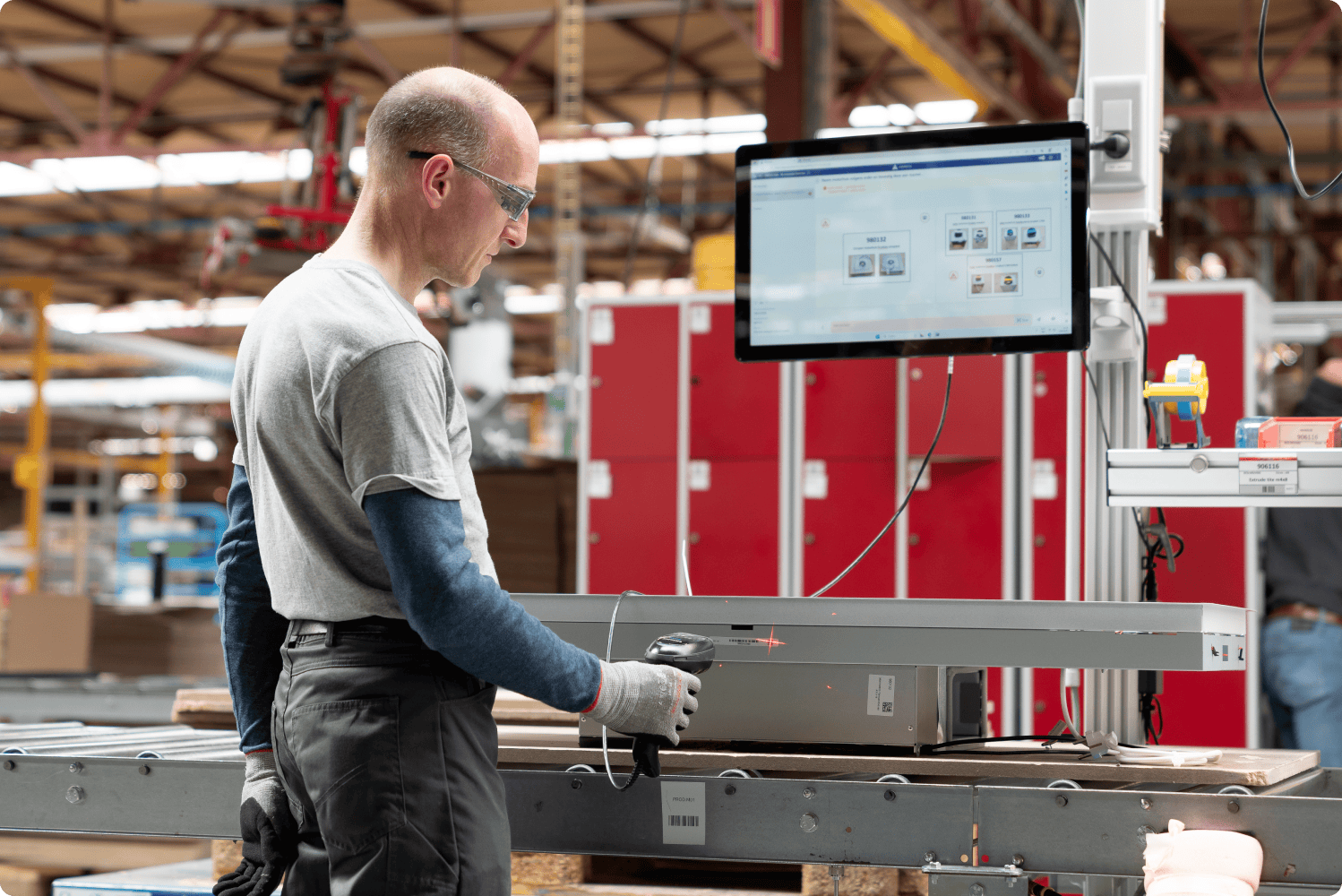
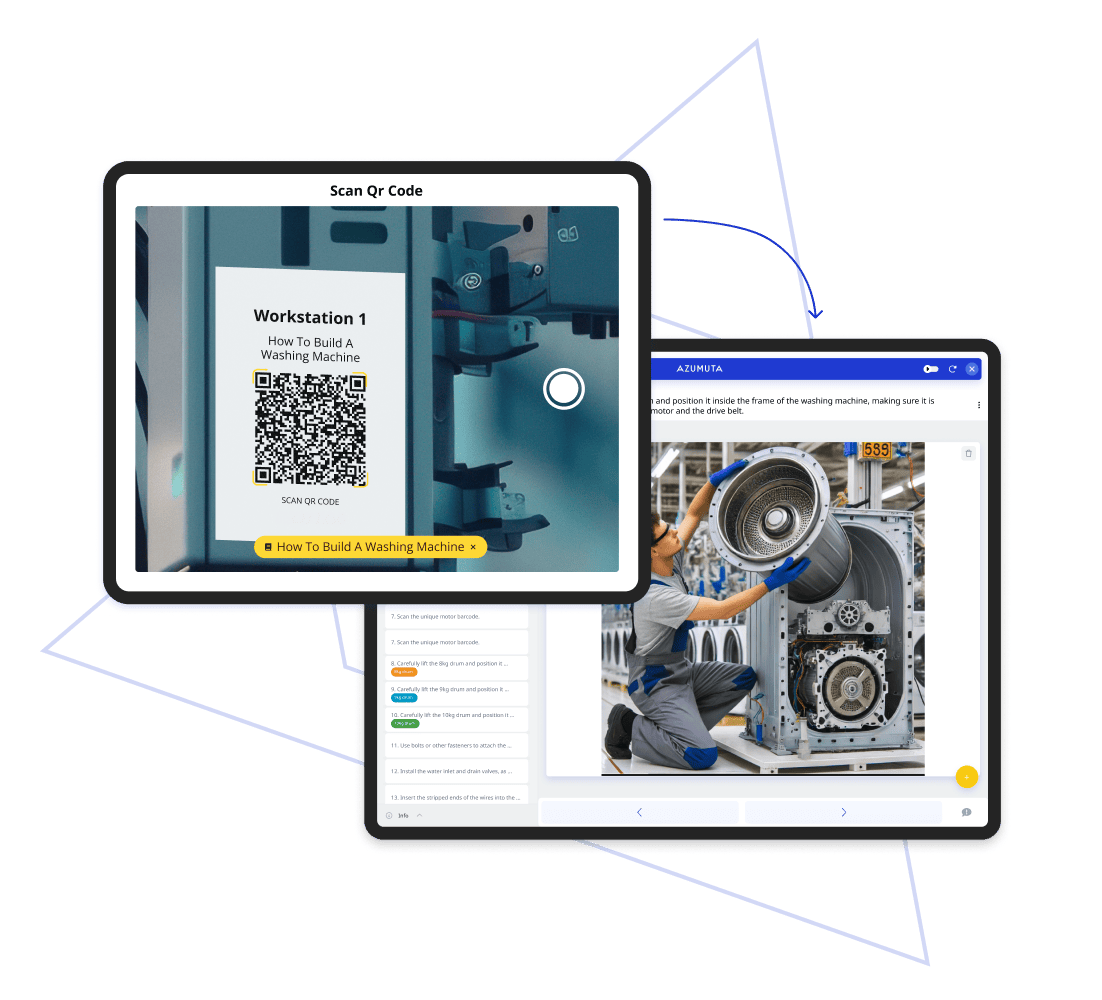
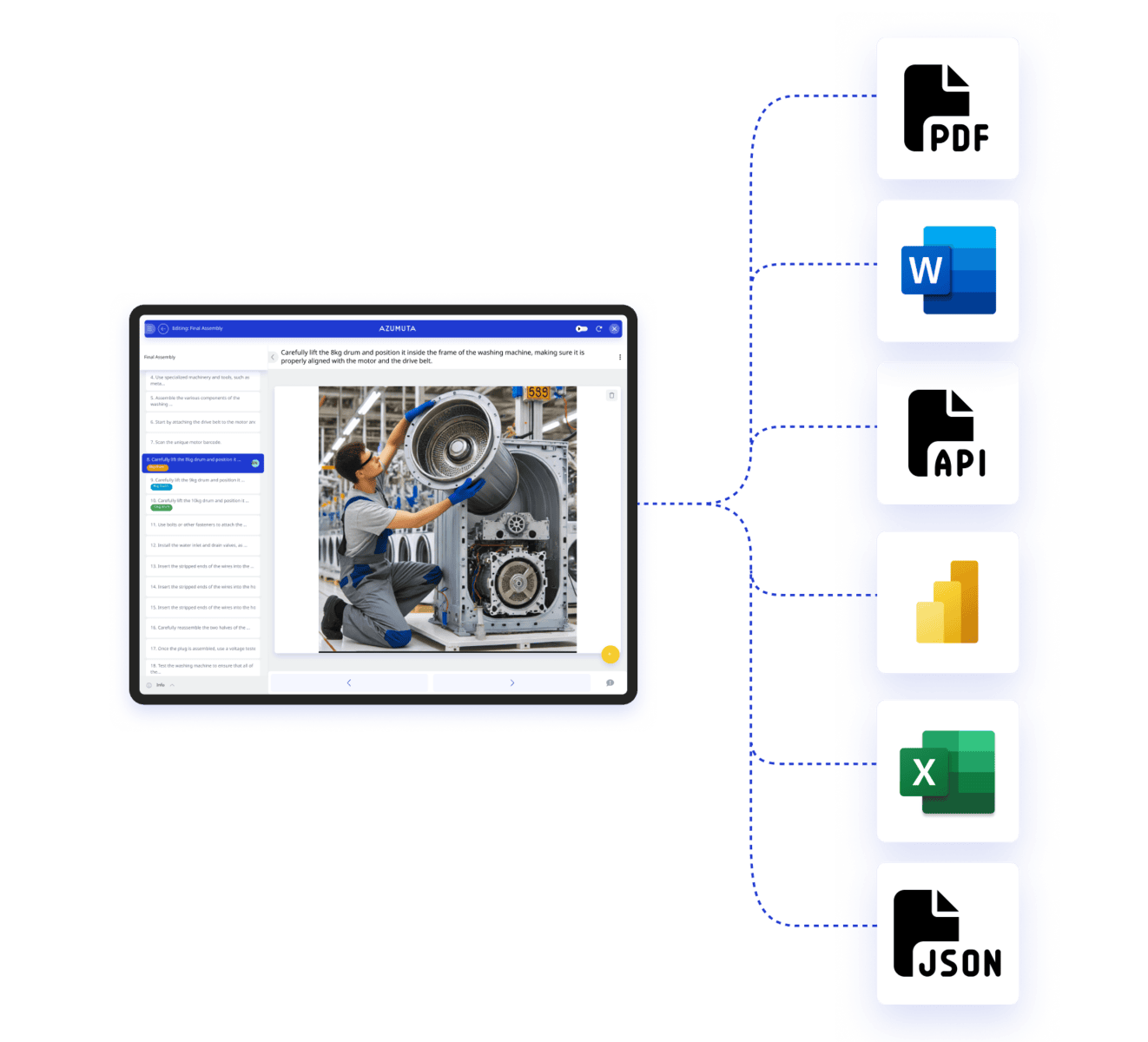
Make work instructions always accessible on the shop floor by leveraging QR codes. Your Digital Work Instructions can also be easily exported and shared across your organization.
Leverage the Operators Input and Skill Level
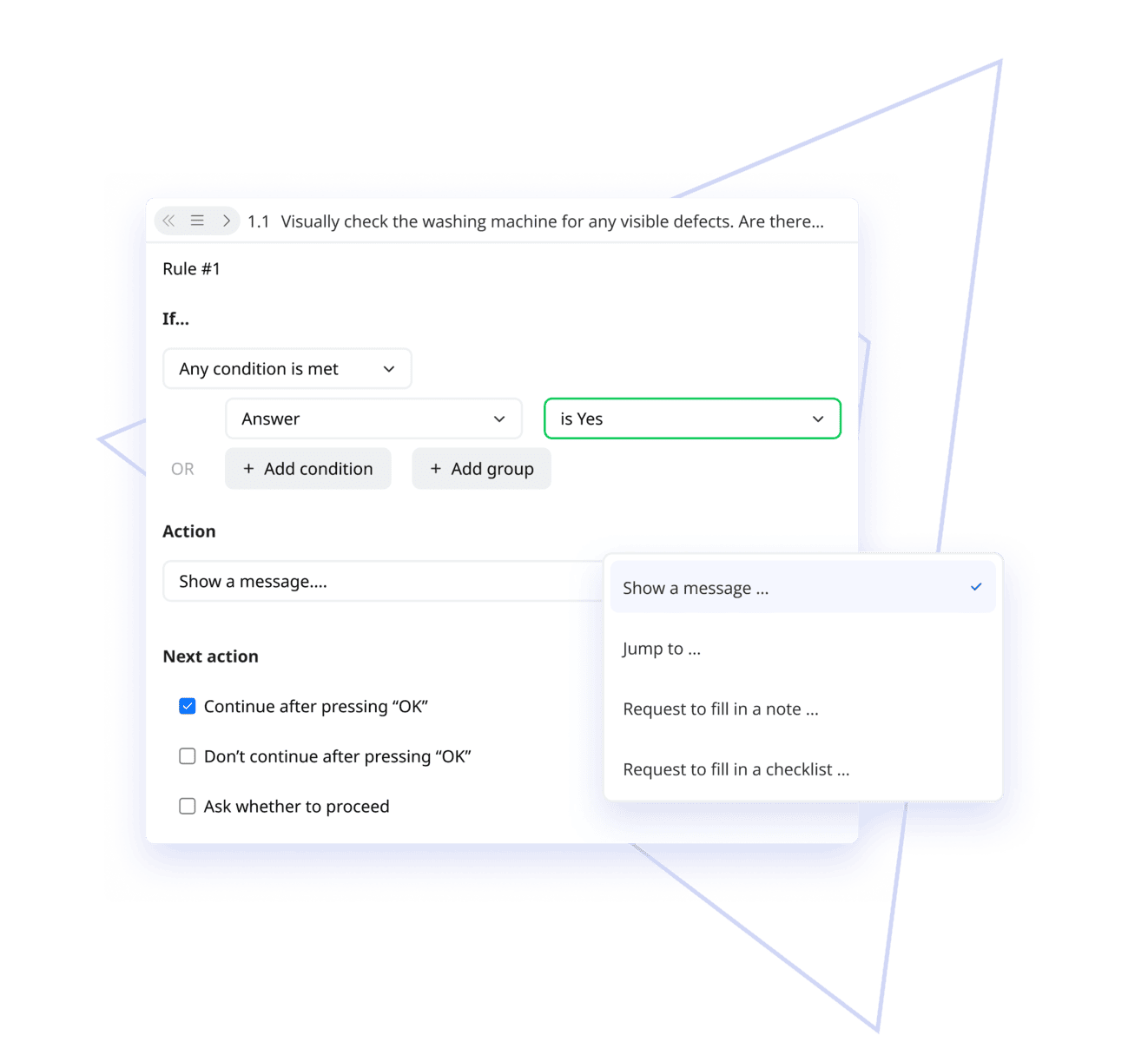
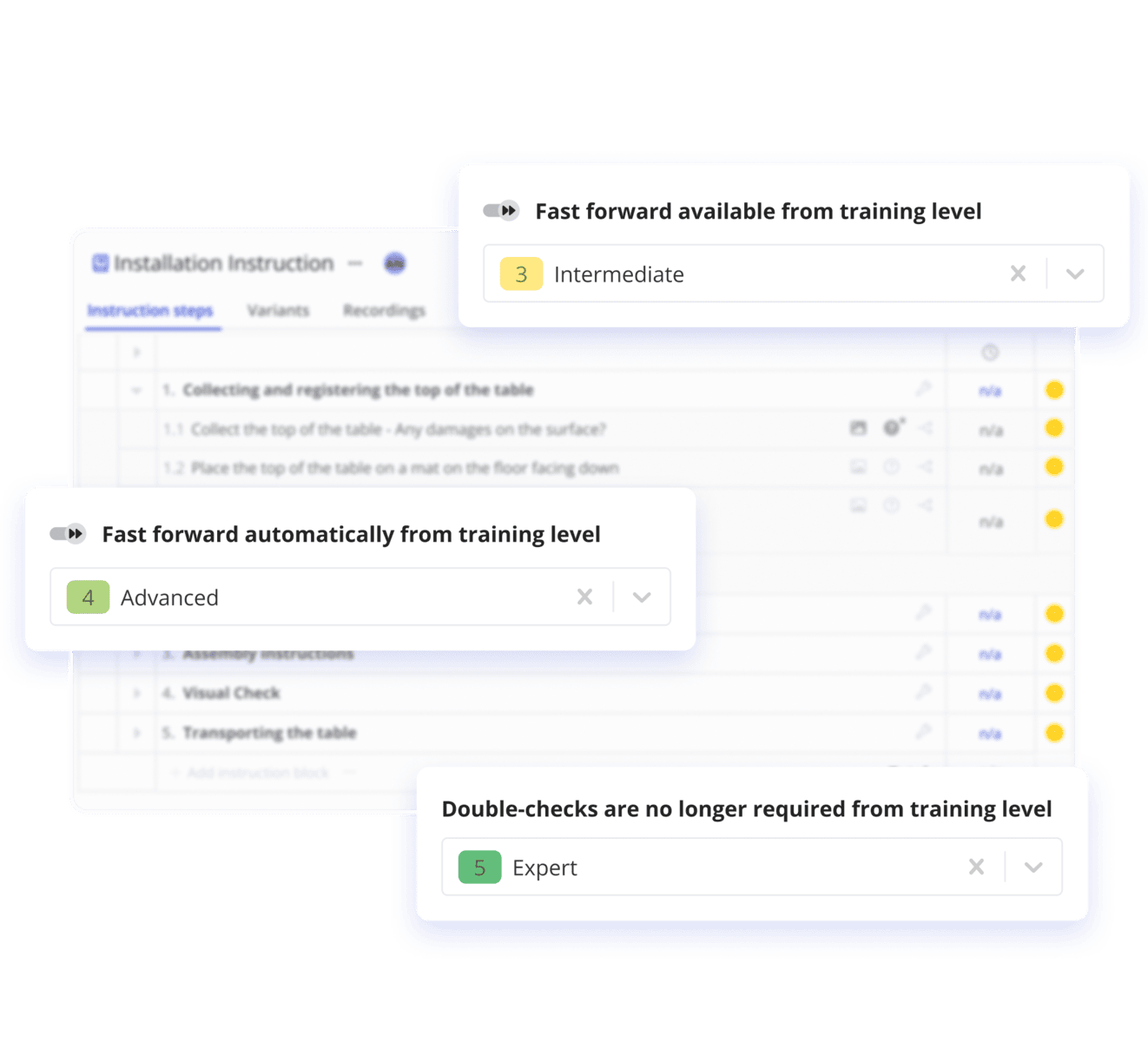
Provide tailored workflows with IF/THEN rules where, based on the operators input, specific work instruction steps will display. Customize your operators' experience even more with work instructions that adjust to the skill level of the operators.
Transform the Operator Feedback into Actionable Insights
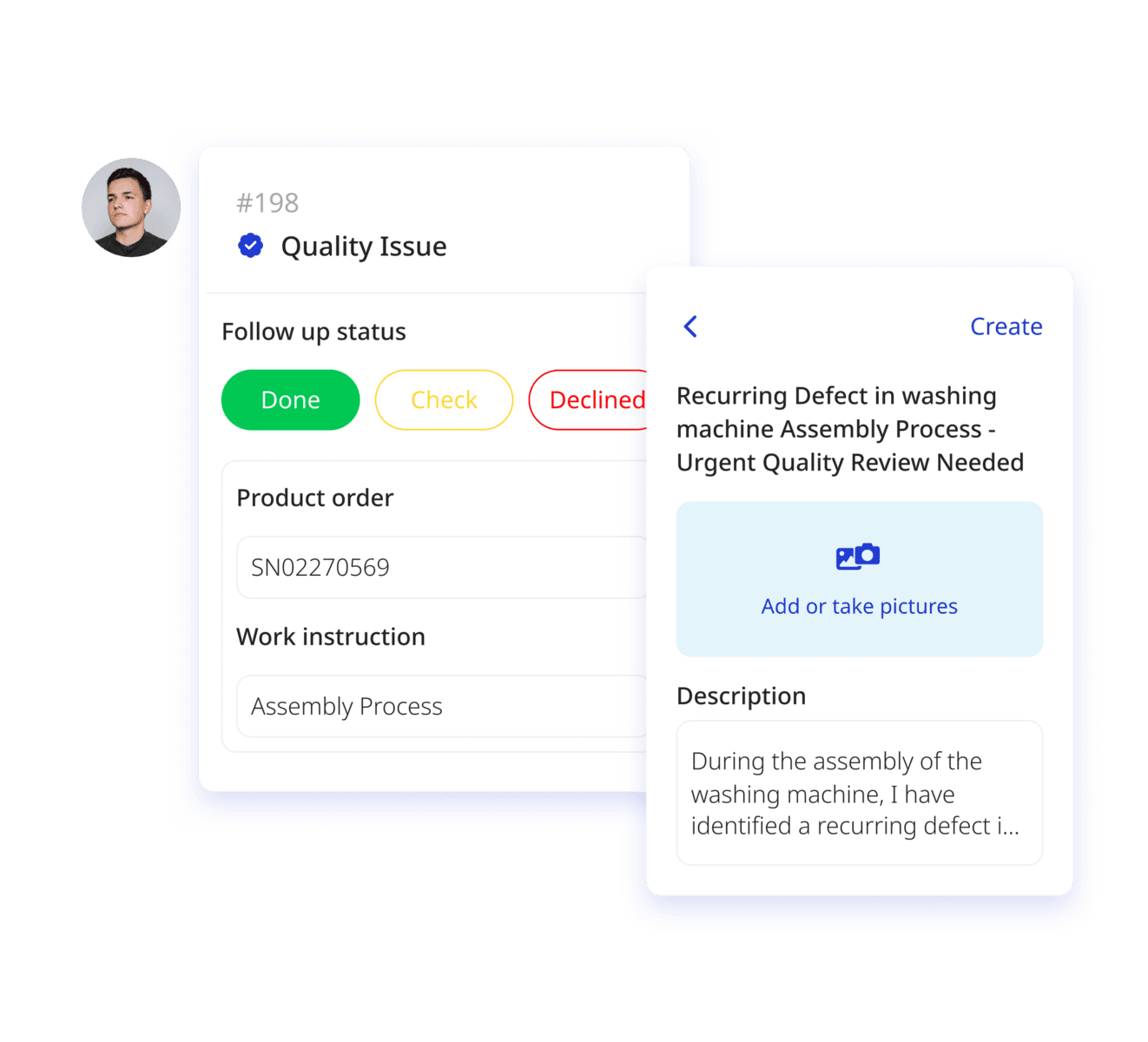
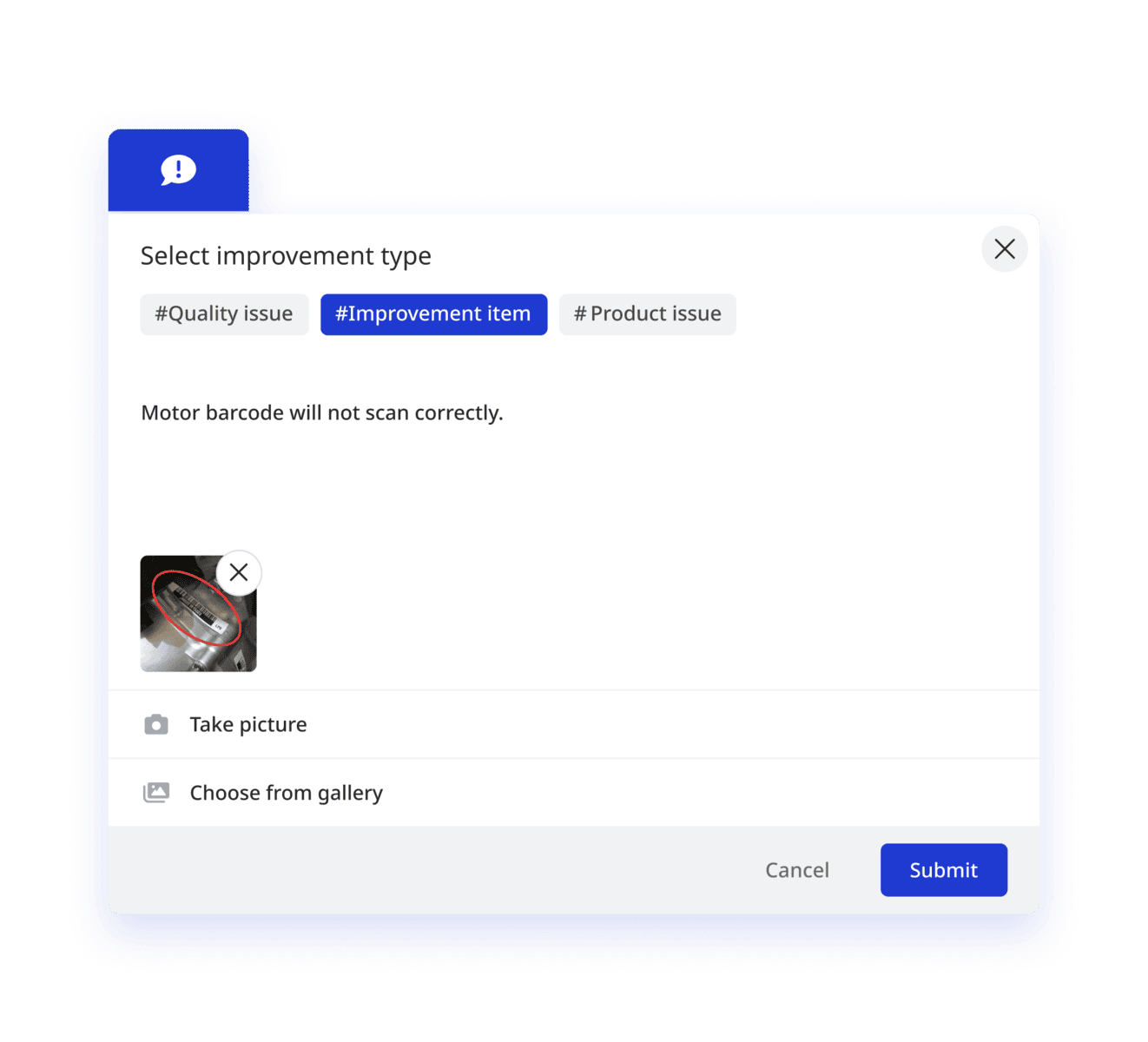
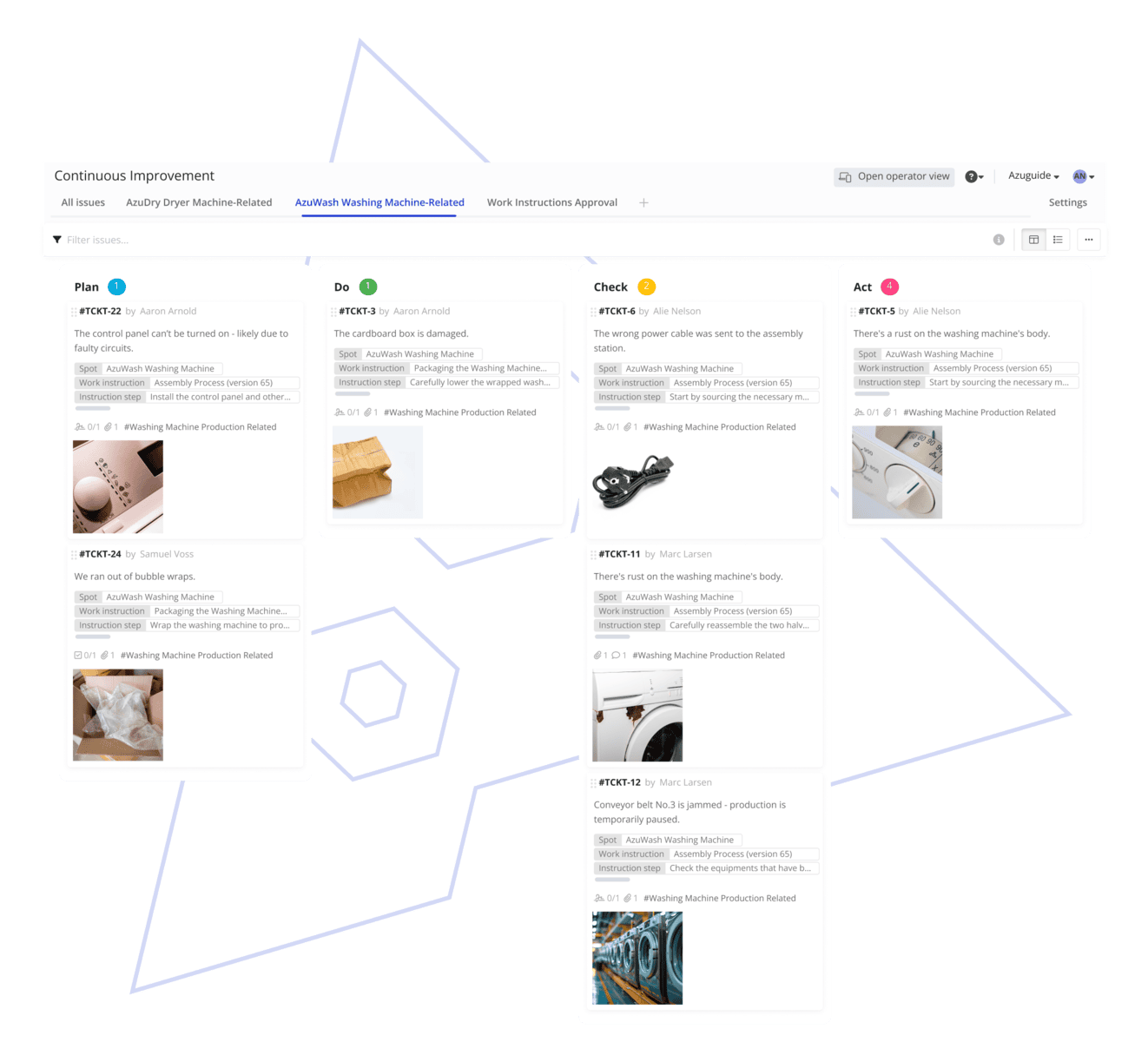
Empower operators to become active players in an environment of continuous improvement. Gather shop floor feedback, transform it into actionable tasks, and use an automated system of planning and notifications to act upon the feedback.
Related Content
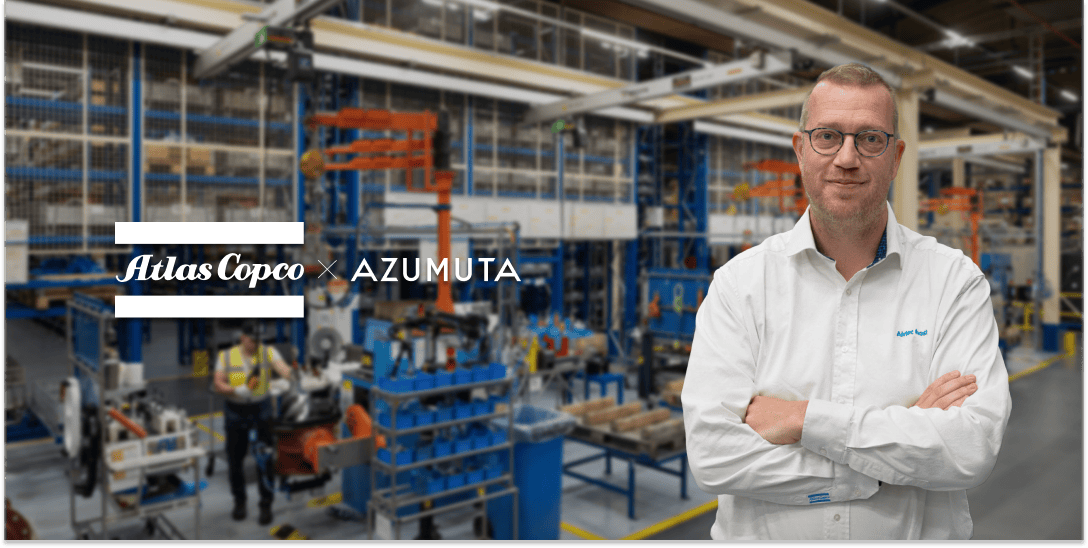
Atlas Copco: An Innovative Approach to Operational Efficiency
In this testimonial, the Atlas Copco team reveals how Azumuta has been a cornerstone in their digital transformation journey, sharing valuable insights and experiences.
Read more →

The Ultimate Guide to Digital Work Instructions
By replacing static paperwork with digital work instructions, operators obtain effective guidance throughout manufacturing processes. The result? Faster production times and increased quality. Learn more about how digital work instructions are changing manufacturing.
Read more →
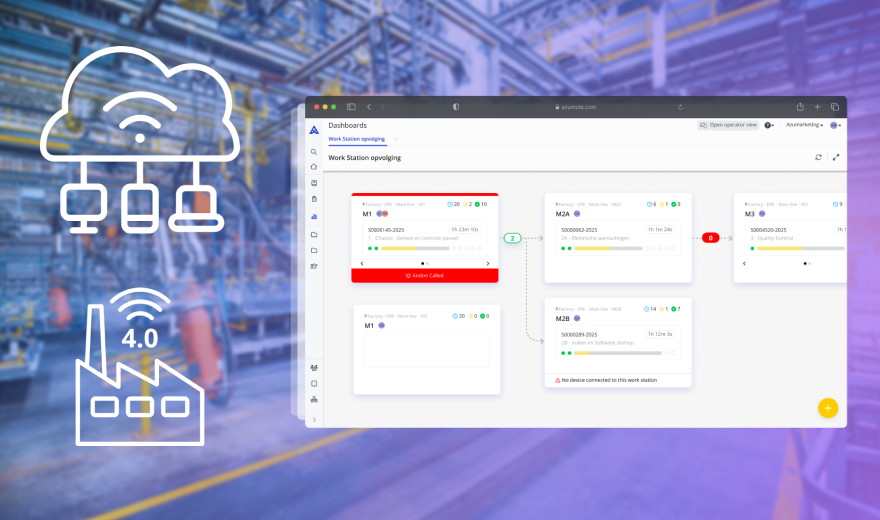
Cloud-Based MES: How to Derisk Your Factory
How cloud-based MES helps manufacturers reduce risk, improve operational agility, and gain real-time control—plus what to look for in a platform and how solutions like Azumuta fit into today’s volatile production landscape.
Read more →
Many More Features

Standardized Work Instructions
Offer a robust and standardized space for all the work documentation. No more clumsy editing of Word documents, Excel, or Sharepoint.

Operator and Admin Interface
Offer unique views for the different production teams. Keep control of who can view and who can create processes and procedures.

ISO Requirements
Improve quality standards and meet ISO requirements by implementing procedures & standards, online training, and better communication.

QR codes on the Manufacturing Shop Floor
Let operators scan QR codes to access instructions and procedures on their workstation.

Compatible with PDF, Word, Excel, Json, etc.
Import PDFs and other types of files to your work instructions.

Connect from Different Devices
Let operators work in the same system while using a smartphone or tablet to access procedures in real-time.
Get Started Today!
Take your work instructions to the next level by adding the Continuous Improvement feature. Use a ticketing system to gather your workers’ suggestions and insights, then turn their feedback into actionable tasks to improve processes.
Get a Demo →