
Device Settings: The Basics
Access the basic device settings
- Click Devices under Management.
- Next to the device that you would like to configure, click the ⋮ (three-dot) icon.
- Click Edit device.
- By default, you will be automatically redirected to the Details tab. This tab contains the basic device settings.
What Are the Possible Configuration Options?
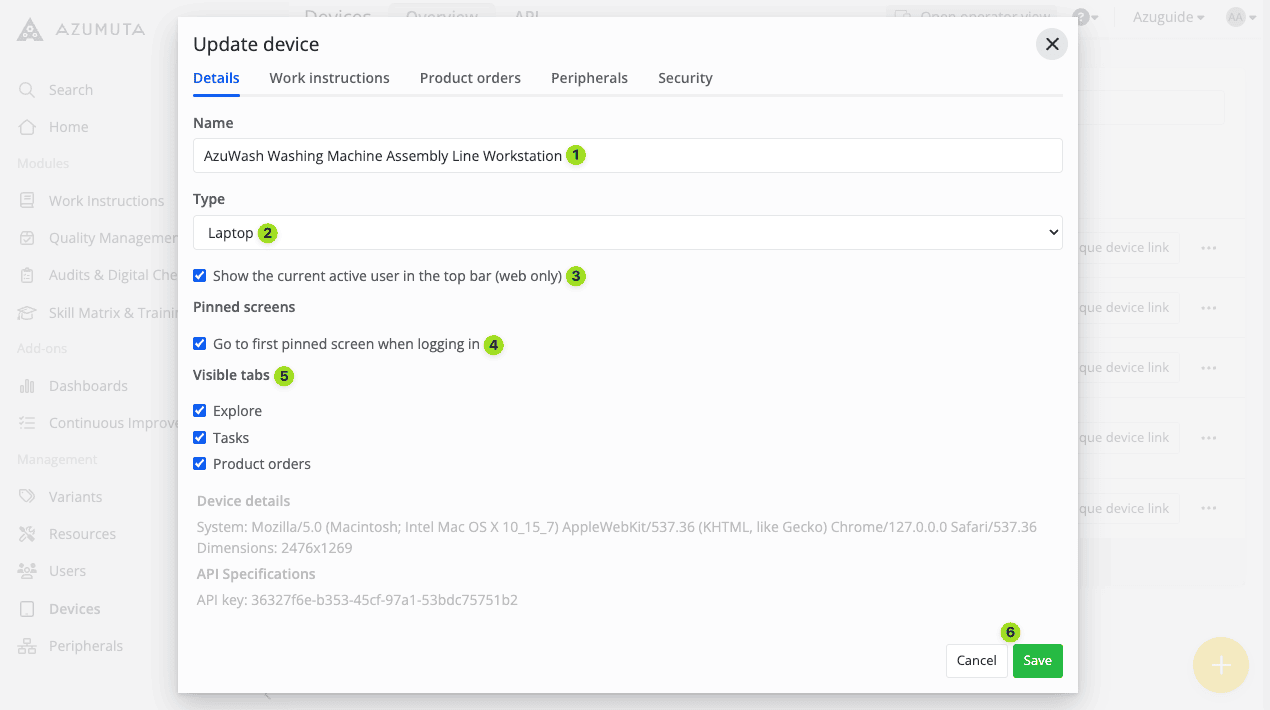
- Edit this device’s name here.
- Edit this device’s type here.
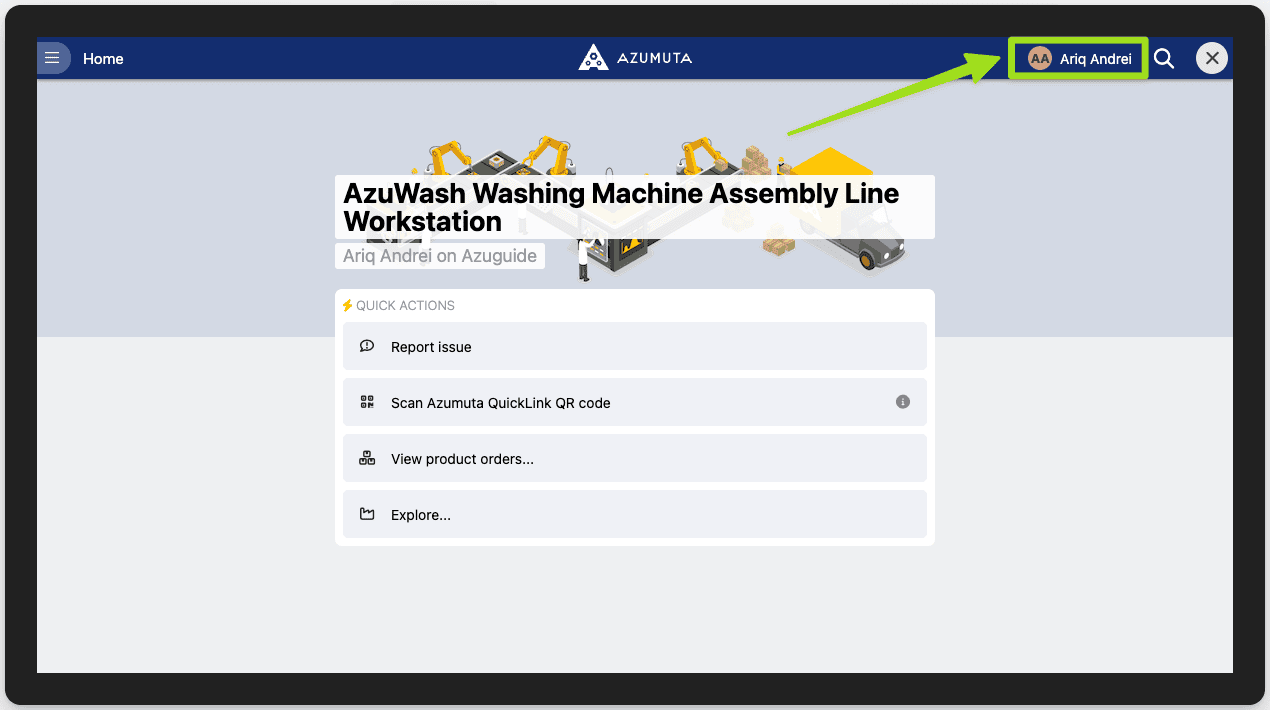
- Select whether you want the user’s username and their profile picture to be displayed on the top right corner of this device, as shown in the image below:
- Select whether this device will open the first pinned item when a user logs in using this device.
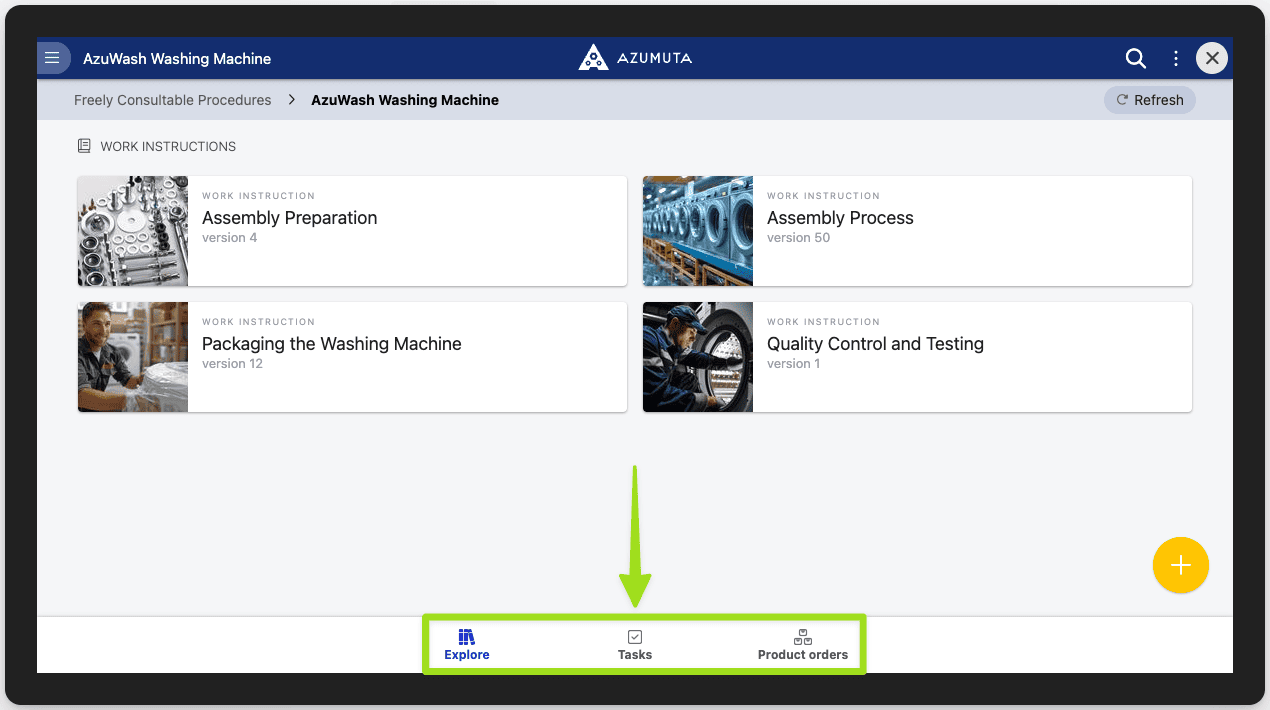
- Select which tabs will be visible on this device. On the Azumuta app, these 3 tabs exist at the bottom of the screen when you’re navigating within a module, as shown in the image below:
- When you’re done with your edits, click Save. However, if you would like to cancel your edits, click Cancel.