
Navigating Through the Work Instruction Step Editor
Open the work instruction step editor
- Navigate to the work instruction that you would like to edit.
- Select the work instruction step that you would like to edit, and click Open.
What Are the Key Parts of the Work Instruction Editor?
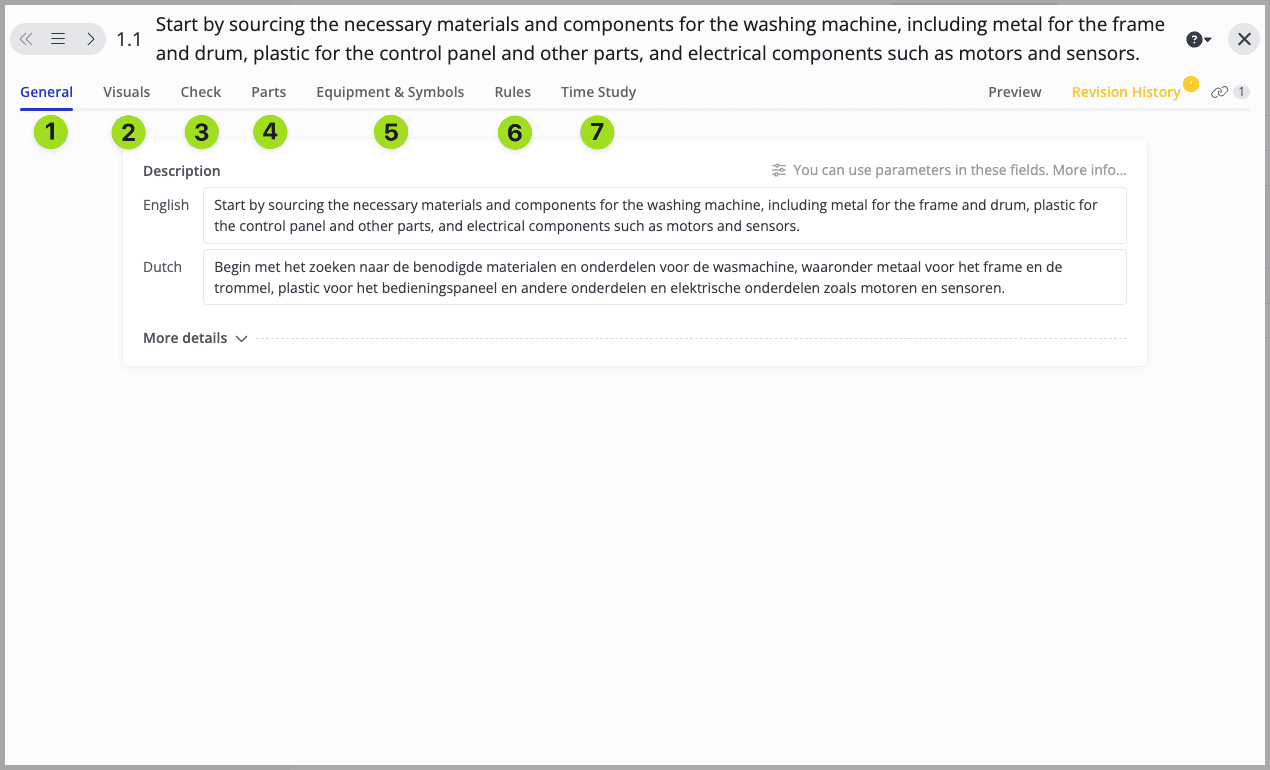
We will cover them in detail in the next articles.
Working in Multiple Languages
If your workspace has more than one language enabled, translatable content across these tabs (such as the fields in General or text boxes in Visuals) can be filled in separately for each language. Operators automatically see the content in their own interface language.