
See the list of variants on your workspace
What Is a Variant?
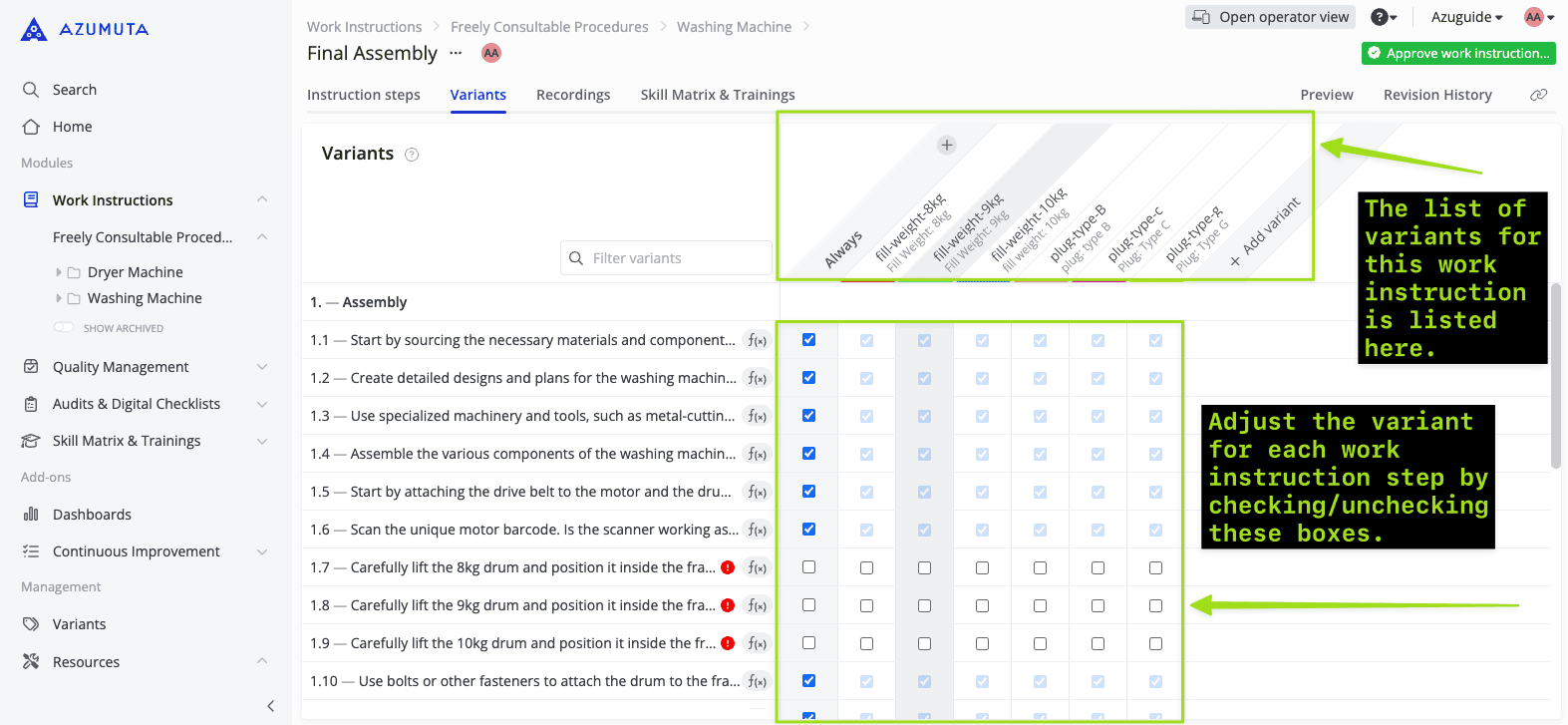
A variant is a variation of a product based on their specifications. For example, several washing machines might have an identical build, but they have different cable plug types, because they will be sold in countries with differing power outlet types. Thus, each cable plug type is a variant.
See the list of variants on your workspace
You can see the list of all variants that exist in your workspace, as well as their details.
- Click Variants under Management.
See in which work instructions is a variant listed on
To check on which work instructions is a variant listed on:
- Click Variants under Management.
- Click the link icon next to the targeted variant**.**