
Triggers for Approval Boards and Approval Requests
A trigger starts an action when an event occurs. Approval triggers can send an email, call a webhook, or start another available action.
Start an action when a work instruction is approved
Use the event When an approval request for a work instruction is approved. This event is available only for approval requests on an Approval Board.
- Go to Connectivity.
- Open Triggers.
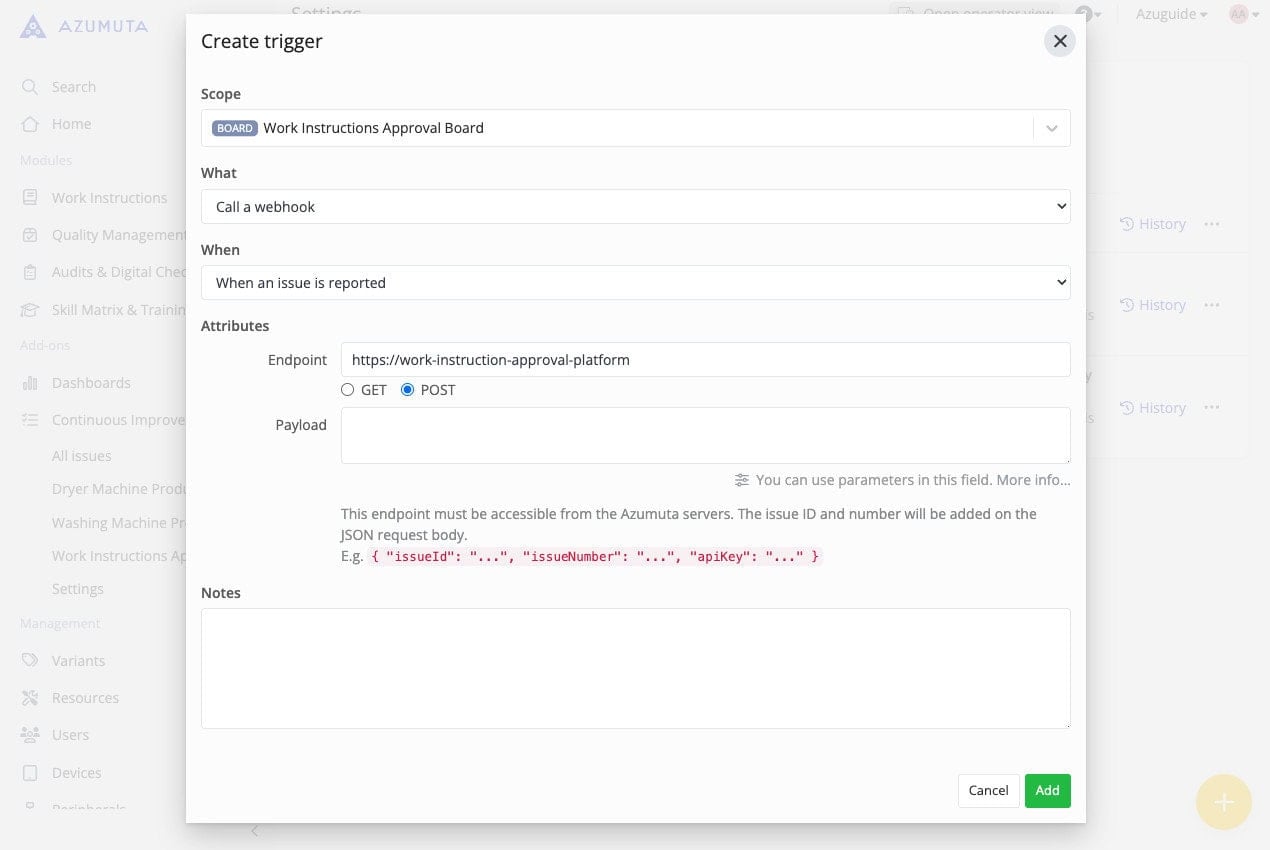
- Create a trigger for issues.
- Select an Approval Board.
- Select When an approval request for a work instruction is approved.
- Select the action that Azumuta must start.
- Configure the action.
- Save the trigger.
Existing approval triggers continue to operate after the event label changes. You do not have to create them again.
Learn more about triggers, Approval Board triggers, and approval request triggers.
On this page